77
77
■ Selecting a File.
● To the right:
Selects the next track.
To the left:
Cues or selects the previous track.
■ Selecting a Folder.
● Up:
Selects the next folder
Down:
Selects the previous folder
● Touching the screen will display the touch
switches again.
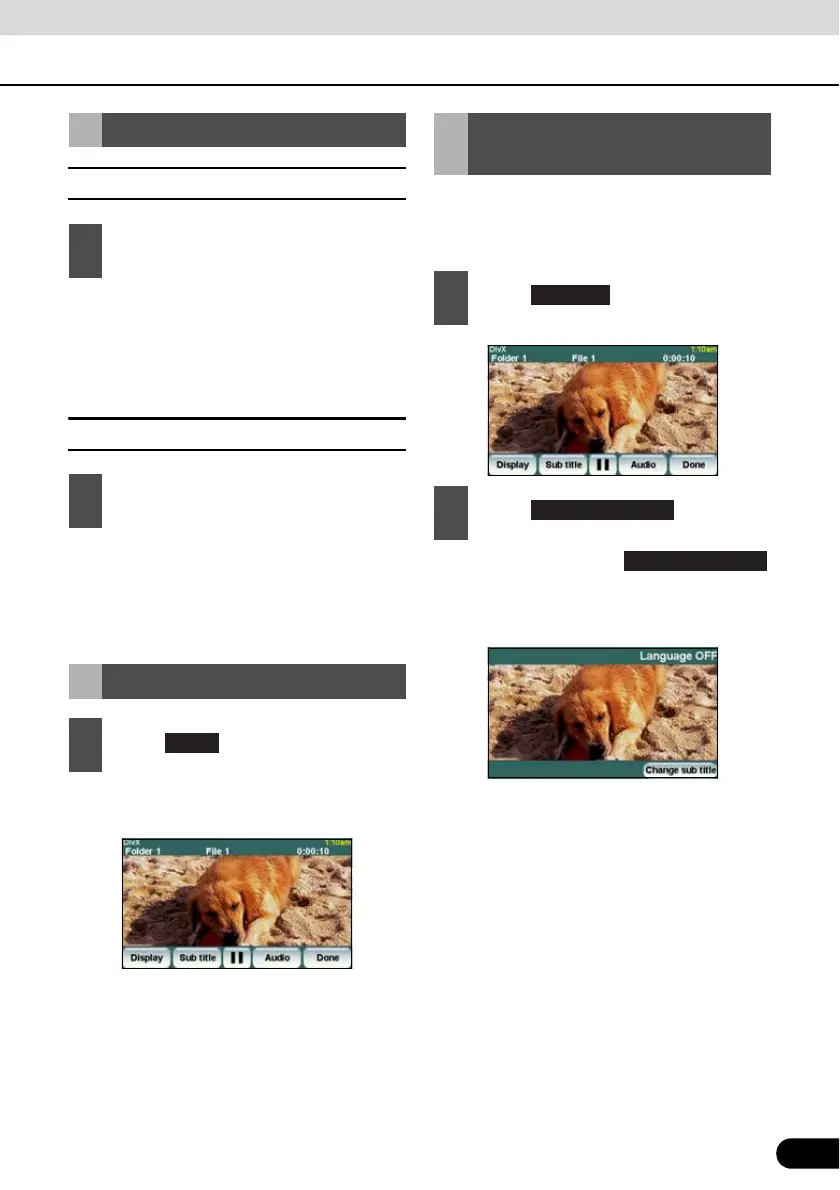
If the target disc supports multiple subtitle
languages, you can change them to display a
video.
● Each time you touch ,
the subtitle number is changed, and the
subtitle languages recorded on the disc
are toggled in sequence.
Selecting a Desired Video
1
Press the [SELECT (Right)] or
[SELECT (Left)] button.
1
Press the [SELECT (Up)] or [SELECT
(Down)] button.
Hiding the Touch Switch
1
Touch .
Changing the Subtitle
Language
1
Touch .
2
Touch .
Change Subtitle



 To Next Page