83
83
● You cannot operate the , , and
buttons when your car is running.
● You can search for a music file by entering
alphanumeric characters.
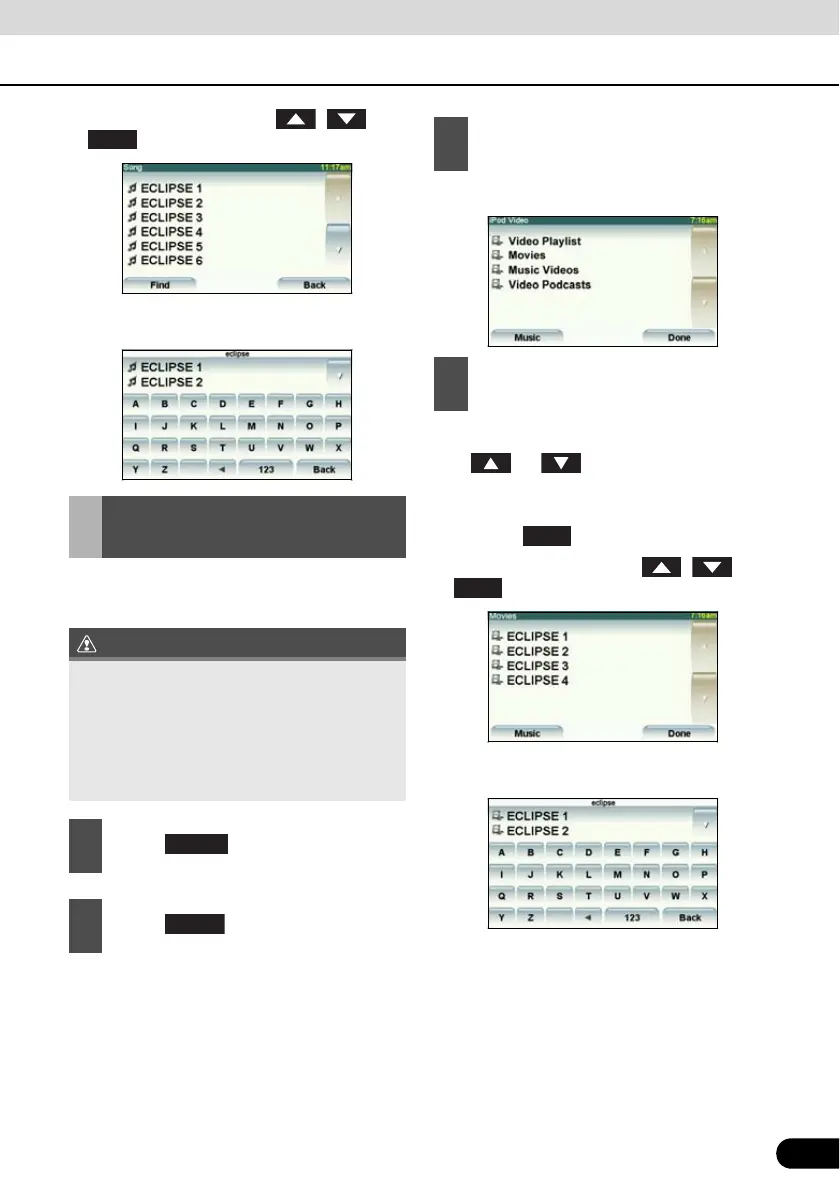
You can select and play a desired video file
from the iPod memory.
● The iPod video selection screen appears.
● This plays the selected video file.
● If or appears, touch them to
change the page of the video file list.
● You can search for a file or artist name by
touching .
● You cannot operate the , , and
buttons when your car is running.
● You can search for a video file by entering
alphanumeric characters.
Setting to the iPod Video
Mode
● You can play a video file on the iPod only
when the PND is connected to this
receiver.
● If the iPod or PND is disconnected from
this receiver while playing a video file on
the iPod, you will return to the previously
selected mode.
1
Touch .
2
Touch .
Find
Select
3
Touch the video to be played.
4
Touch the name of the file to be
played.
Find



 To Next Page