63
63
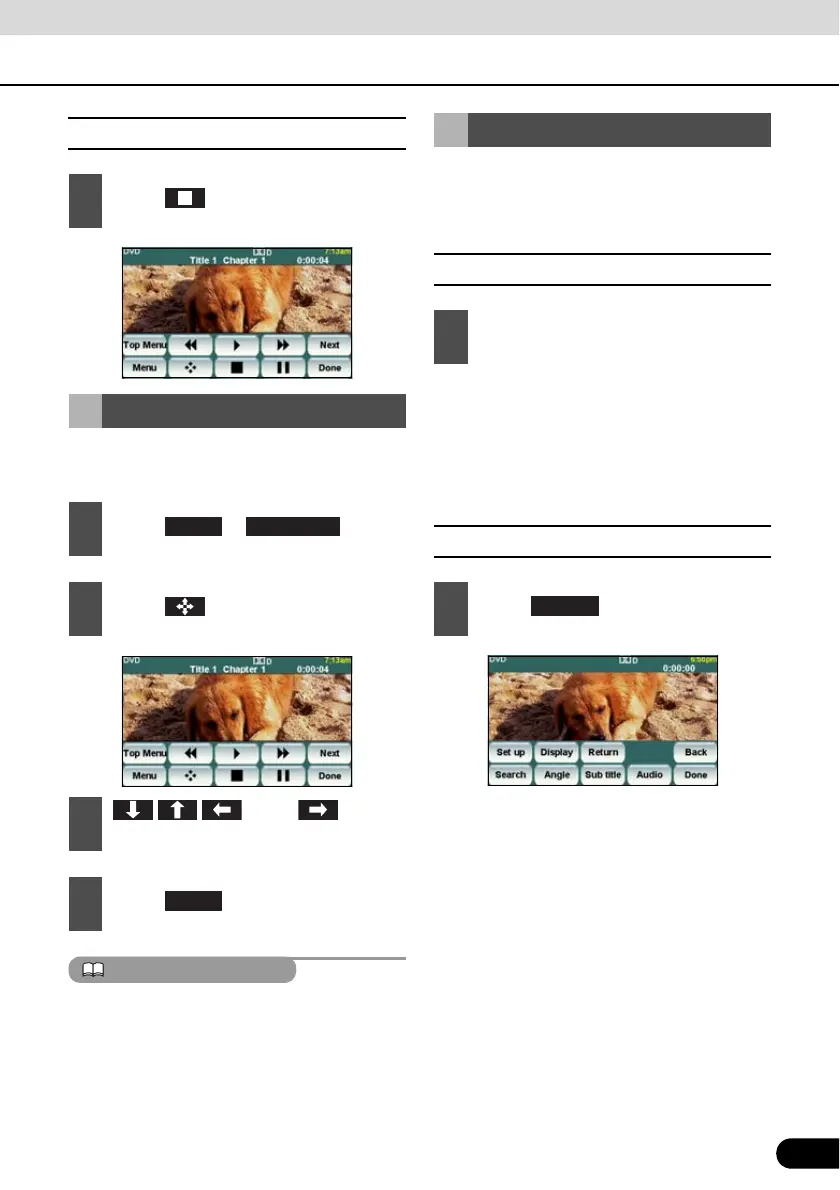
■ Stopping a Video
You can operate the menu recorded on the
disc.
The recorded menu items vary depending on
the disc. This machine plays what is recorded
on the inserted disc; therefore, functions may
not operate as intend.
You can search for the desired video with a
title, chapter, or menu number (number
assigned for each content).
■ Finding by Chapter
● To the right:
When selecting the next chapter
To the left:
When selecting the cue or previous
chapter
■ Finding by Title Number
1
Touch .
Disc Menu Operations
1
Touch or .
2
Touch .
3
Touch , and
select the play-back menu.
4
Touch .
Menu Top Menu
Finding a Desired Video
1
Press the [SELECT (Right)] or
[SELECT (Left)] button.
1
Touch .
Search



 To Next Page