78
78
Using the DivX Player
Visual operations
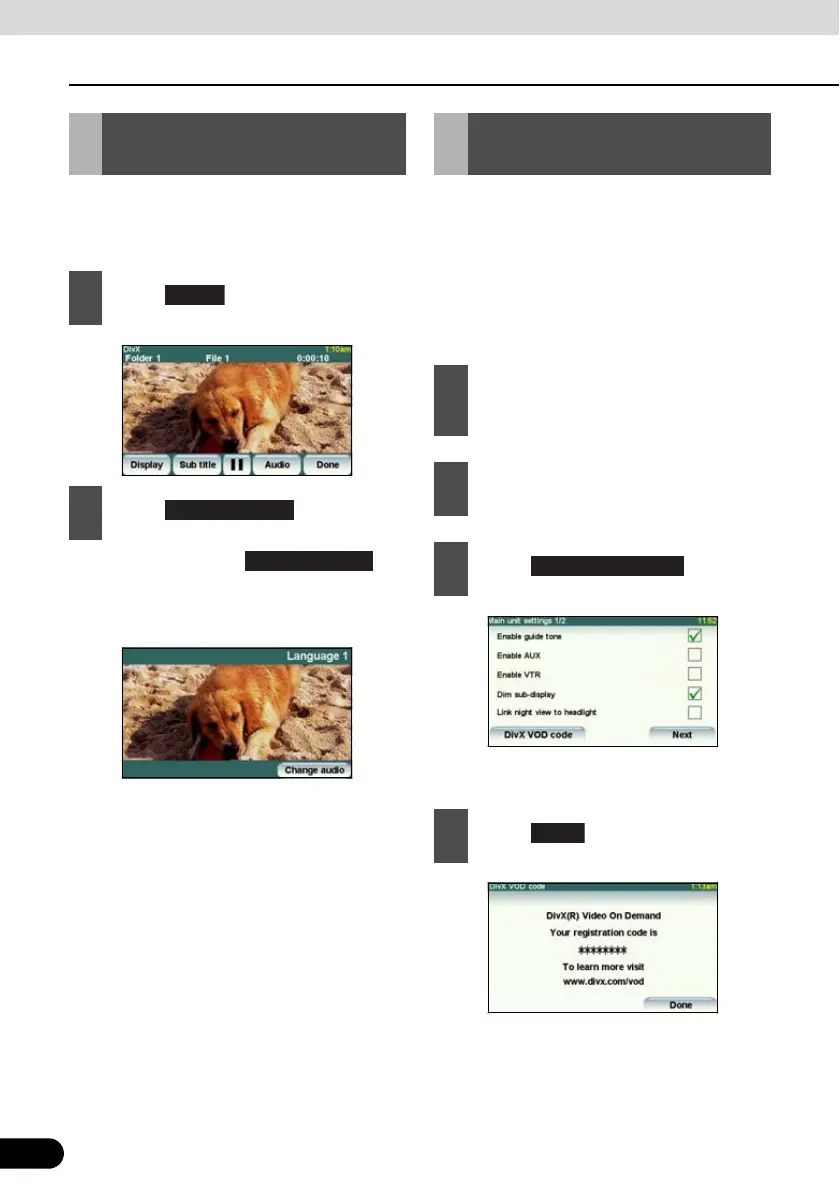
If the target disc supports multiple audio
languages, you can change them while
playing.
● Each time you touch , the
audio number is changed, and the audio
languages recorded on the disc are
toggled in sequence.
Before playing the DivX VOD (Video On-
Demand) contents, you need to contact the
contents provider and register your receiver.
This “DivX VOD registration code” is required
for your registration.
You can view a DivX
®
Video On Demand
registration code.
● A DivX
®
Video On Demand registration
code is displayed.
Changing the Audio
Language
1
Touch .
2
Touch .
Viewing a DivX VOD
Code
1
Hold down the [SRC] button for 1 or
more seconds to turn the audio mode
OFF.
2
Hold down the [CTRL] button for 1 or
more seconds.
3
Touch .
4
Touch .



 To Next Page