71
71
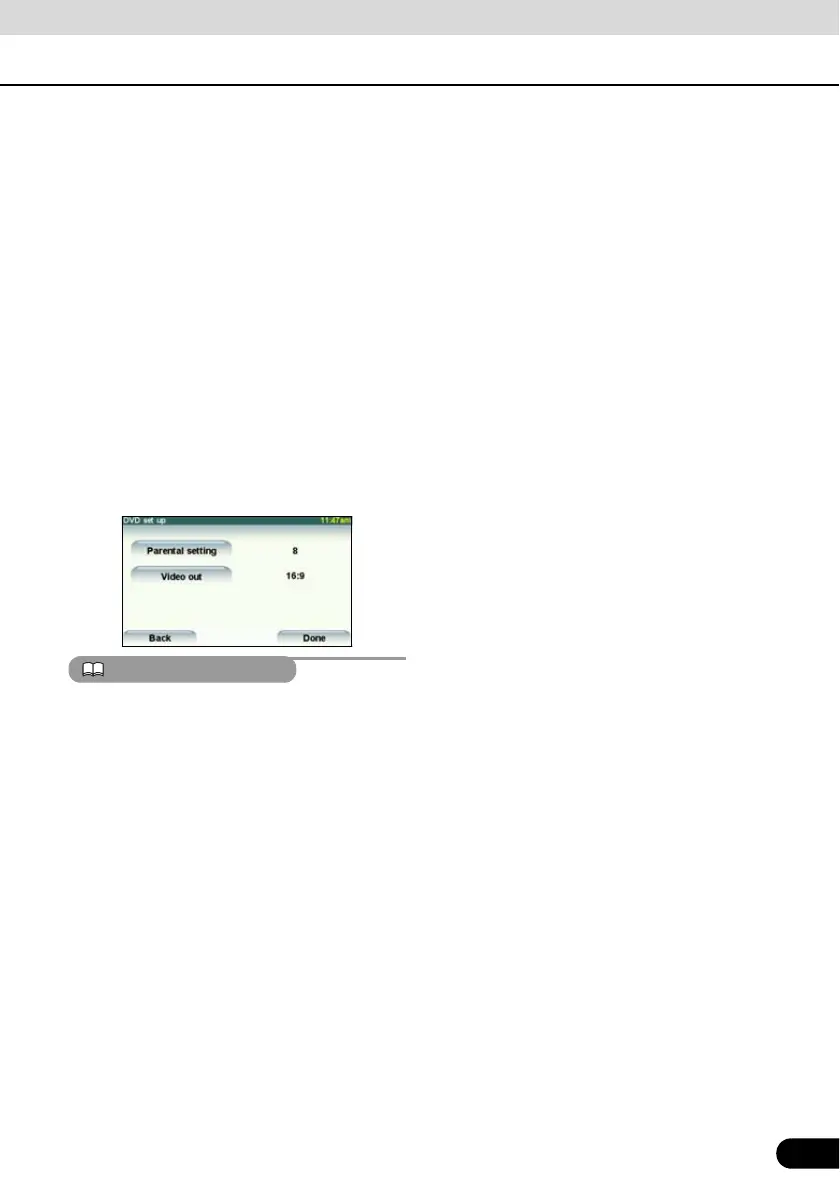
● 4:3 (LETTER BOX)
Displayed in the usual wide size mode.
DVDs recorded with the 4:3 ratio are
displayed with a black strip on the left and
the right edges or in a horizontally spread
proportion.
● 4:3 (PAN&SCAN)
The left and the right edges of the video
image are cropped. DVDs recorded with
the 4:3 ratio are displayed in the original
ratio, which fits the screen perfectly.
● The Video Out image is usually set to the
output display rate. Usually use the default
16:9 ratio setting, except when you use a
4:3-ratio rear monitor display.
● These settings are effective in the DivX
mode.
The user should not experience any problems
when watching a video on the wide screen on
a personal basis. If you compress or enlarge
the screen for commercial purposes or to
display to the public, it may infringe a copyright
that is protected by copyright laws.



 To Next Page