@ToolkiRC 2024
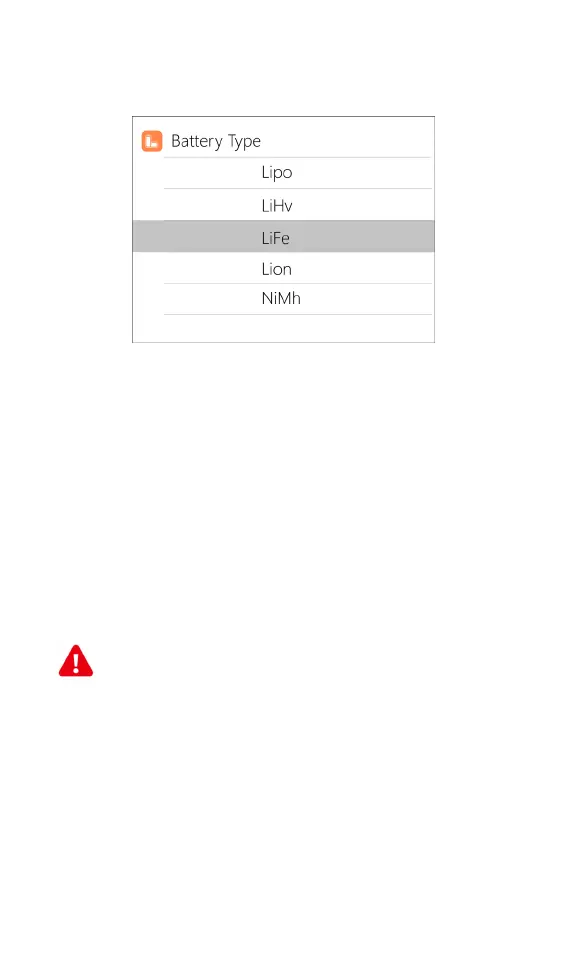
Move the cursor to [Battery Type] and press [●button] to
modify the battery type, the display is as follows:
The charger supports charging and discharging of 6
types of batteries: LiPo, LiHV, LiFe, Lilon, LTO, NiMH, and
Pb. There is also a smart battery mode to choose from.
Battery destruction support to Lilon, LiHV, LiFe,
Lilon, LTO.
After selecting the battery type that matches the
battery on charge, short press [●button]and [■button]
to save and return to the previous interface.
=================================================
Warning:
1. Ensure the correct battery type has been
selected prior to charging. An incorrect choice may
damage the battery and/or become a fire hazard.
Please use caution.
2. Do not use this product to charge non-compatible
battery chemistries.
===================================
===================================



 To Next Page