@ToolkiRC 2024
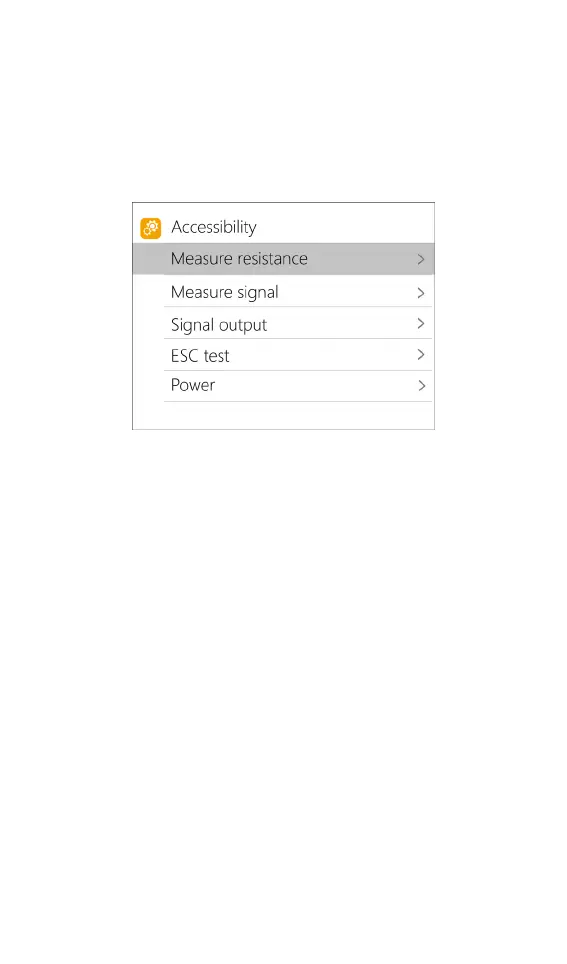
Accessibility
After selecting and press and hold [■button] in the
main interface, you can enter the auxiliary function
interface, as shown below:
1. Measure resistance
Short press [●button] to test the internal resistance
of the connected battery and return to the main
interface display.
2. Measure signal
Move the cursor to measure signal, short press [●
button] to enter the signal test interface.
Press [▲▼button] to select the signal type. Select
PWM, as shown below:



 To Next Page