@ToolkiRC 2024
10. Smart battery setting
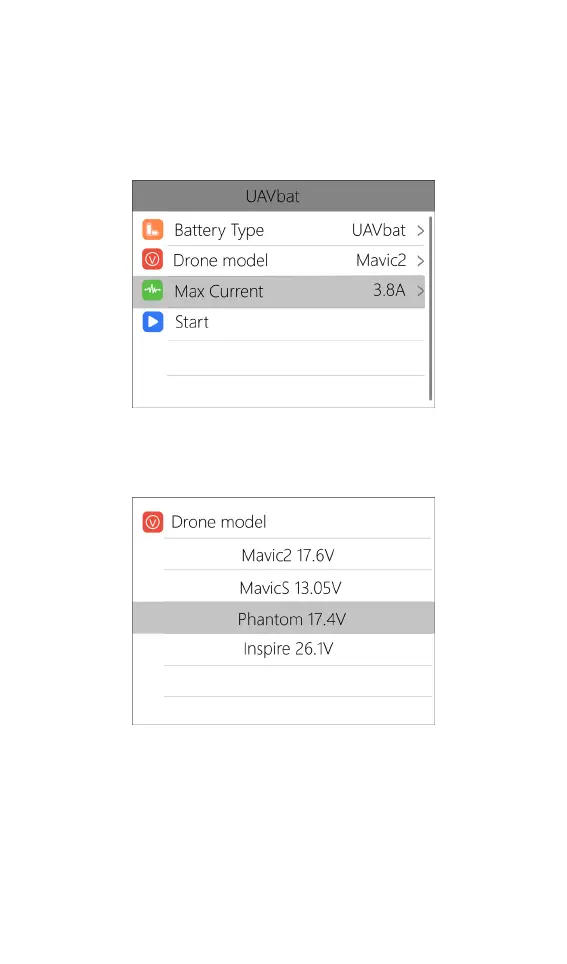
When UAV battery is selected as the battery type,
there are only two options for battery setting: drone
type and Max current. As shown below:
Move the cursor to [Drone model] and press [●
button] to select between different drone models. As
shown below:
Move the cursor to [Max Current] and press [●
button] to set the charge current. The range is 0.5A to
15A.



 To Next Page