@ToolkiRC 2024
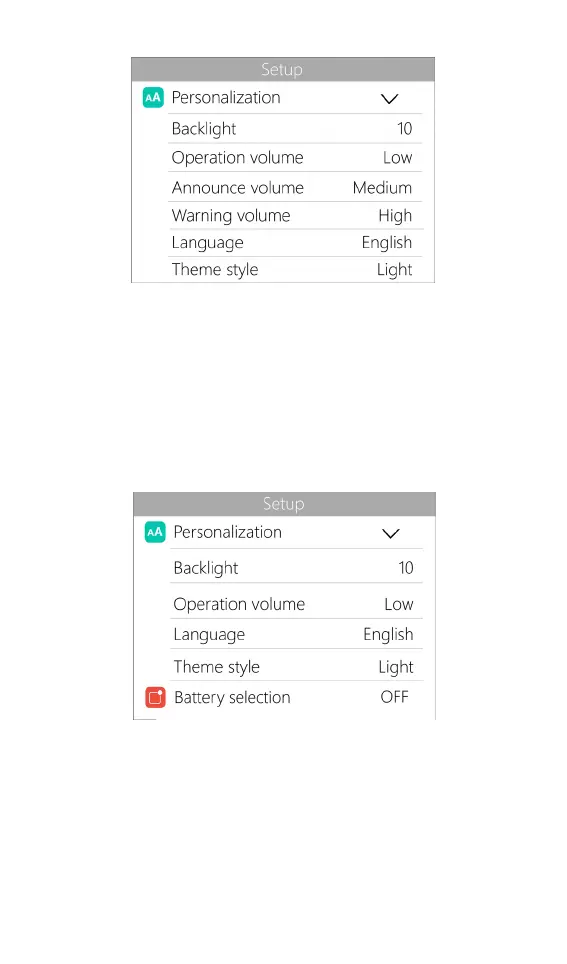
Backlight: The backlight brightness level of the display,
can be set from 1-10
Operation volume: The volume of the buttons, can be
set to off, low, medium, and high.
Language: System display language. English, Chinese,
etc.
Theme style: Can be set to light and dark themes
Battery selection: Option to show/hide frequently used
parameters. The default is not enabled.
Continuous work: Enables/disables continuous
charging/discharging after battery replacement.
Work completed: Whether to stop or trickle charge after
charge complete. The default is not trickle.



 To Next Page