CA-200F Corneal Analyser - Rev. 7 16/01/2012
19
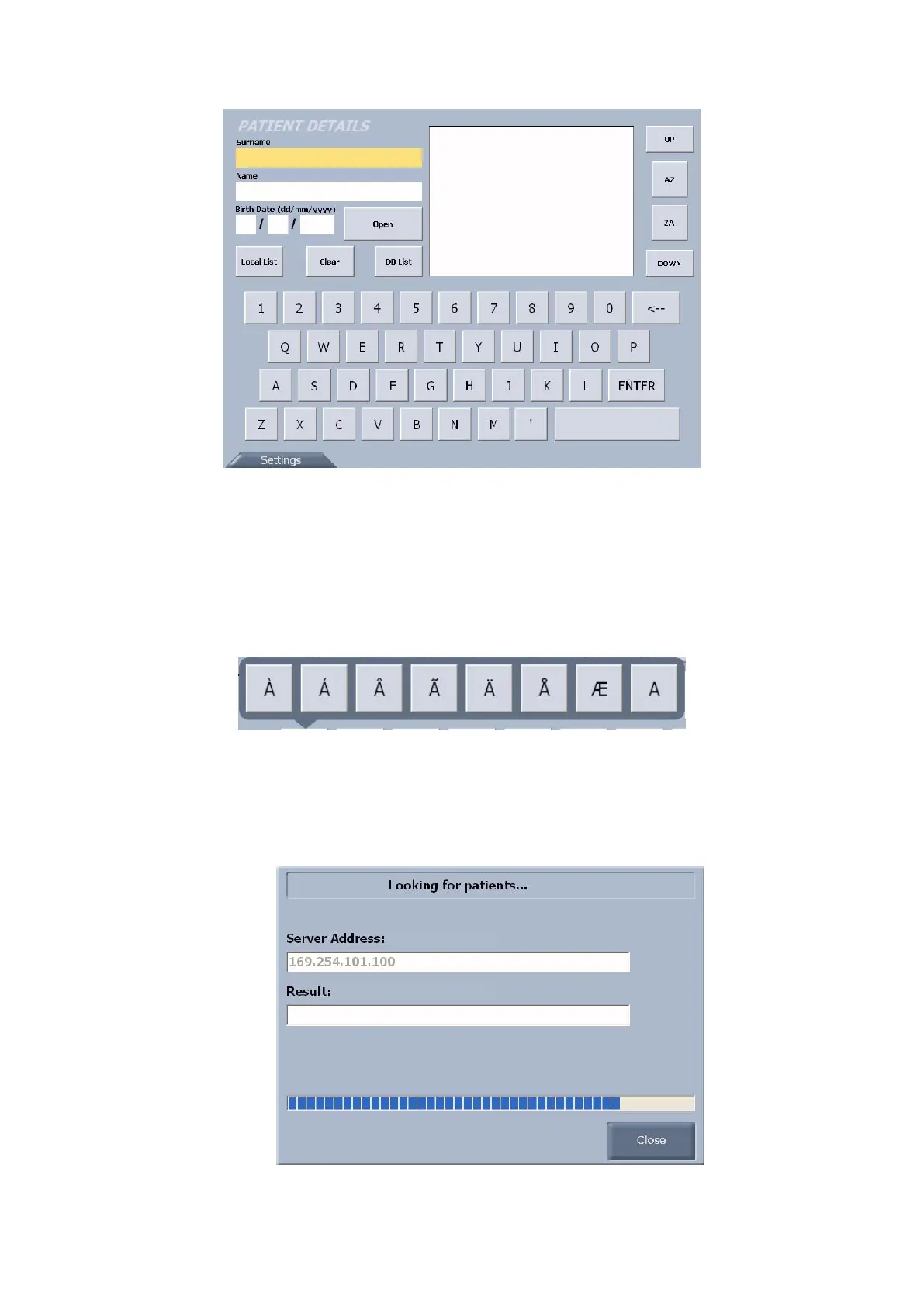
fig. 1-1
You can insert a new patient or select an existing patient from the database of the PC connected to the
analyser.
To insert a new patient, fill in the patient details fields using the on-screen keyboard. If you need to insert
special characters, keep pressing the letter buttons: a panel with the choice of the possible characters for the
selected letter will appear (example fig. 1-2).
Press the “Open” button to access the acquisition window for the patient just inserted.
fig. 1-2
There are two ways to select an existing patient from the database of the PC:
Type in the patient’s name or surname or part of them and press the “DB List” button to open a
dialogue window with the PC (fig. 1-3).
fig. 1-3



 To Next Page