CA-200F Corneal Analyser - Rev. 7 16/01/2012
20
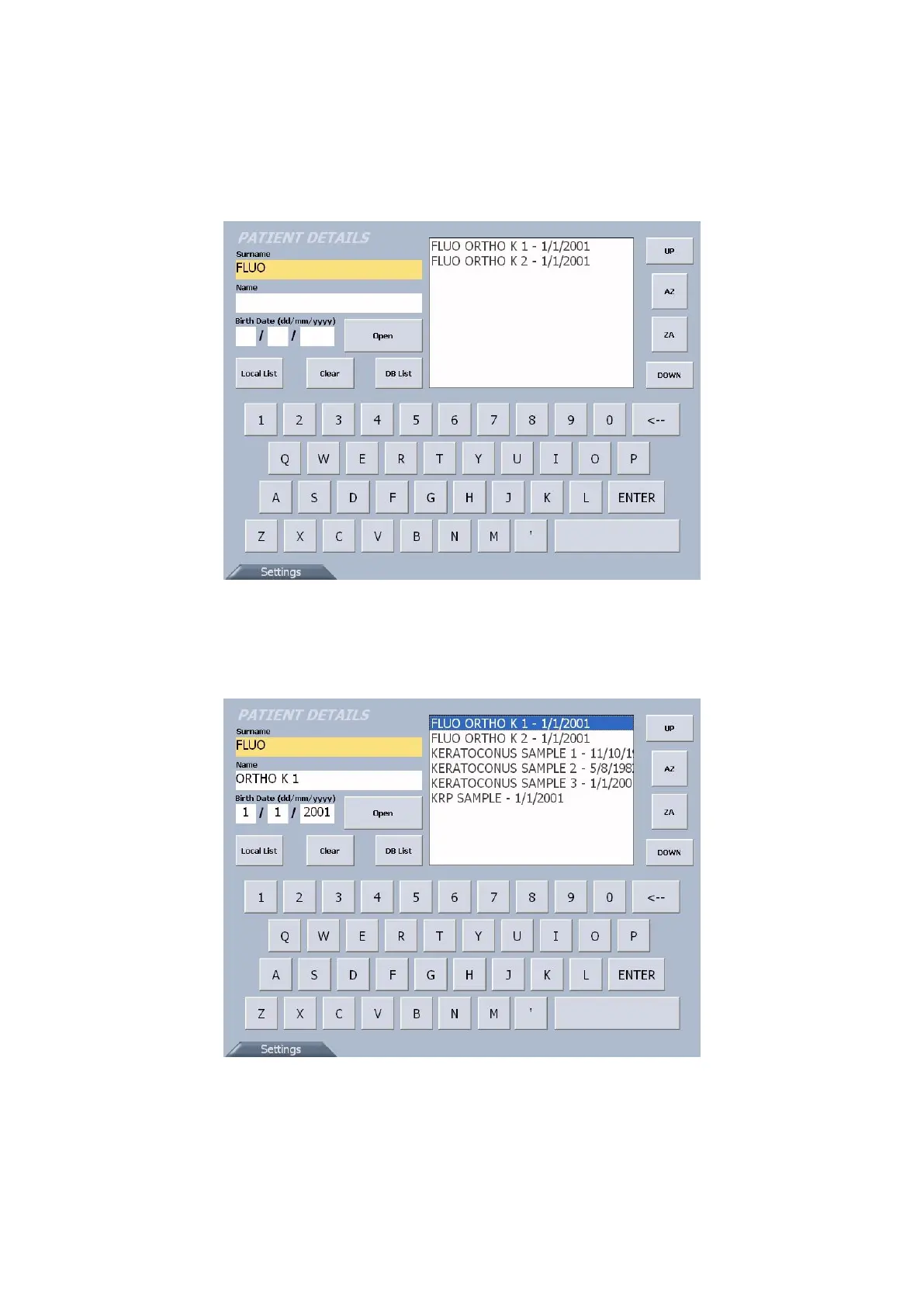
If the communication between the PC and the device is correctly established, the patients that match
the criteria entered will be displayed in the dedicated section (fig. 1-4) . Select the patient and press
the “Open” button or double-tap on the patient’s name to access the acquisition window.
If the communication between the PC and the device is not correctly established, see the
“Troubleshooting” section.
fig. 1-4
Press the “DB List” button to open the dialogue window with the PC: the patients list will appear in
the dedicated section (fig. 1-5). Use the “UP” and “DOWN” buttons to scroll the list and select the
patient as described above.
fig. 1-5



 To Next Page