CA-200F Corneal Analyser - Rev. 7 16/01/2012
21
The following buttons are also available in the Patient Details window:
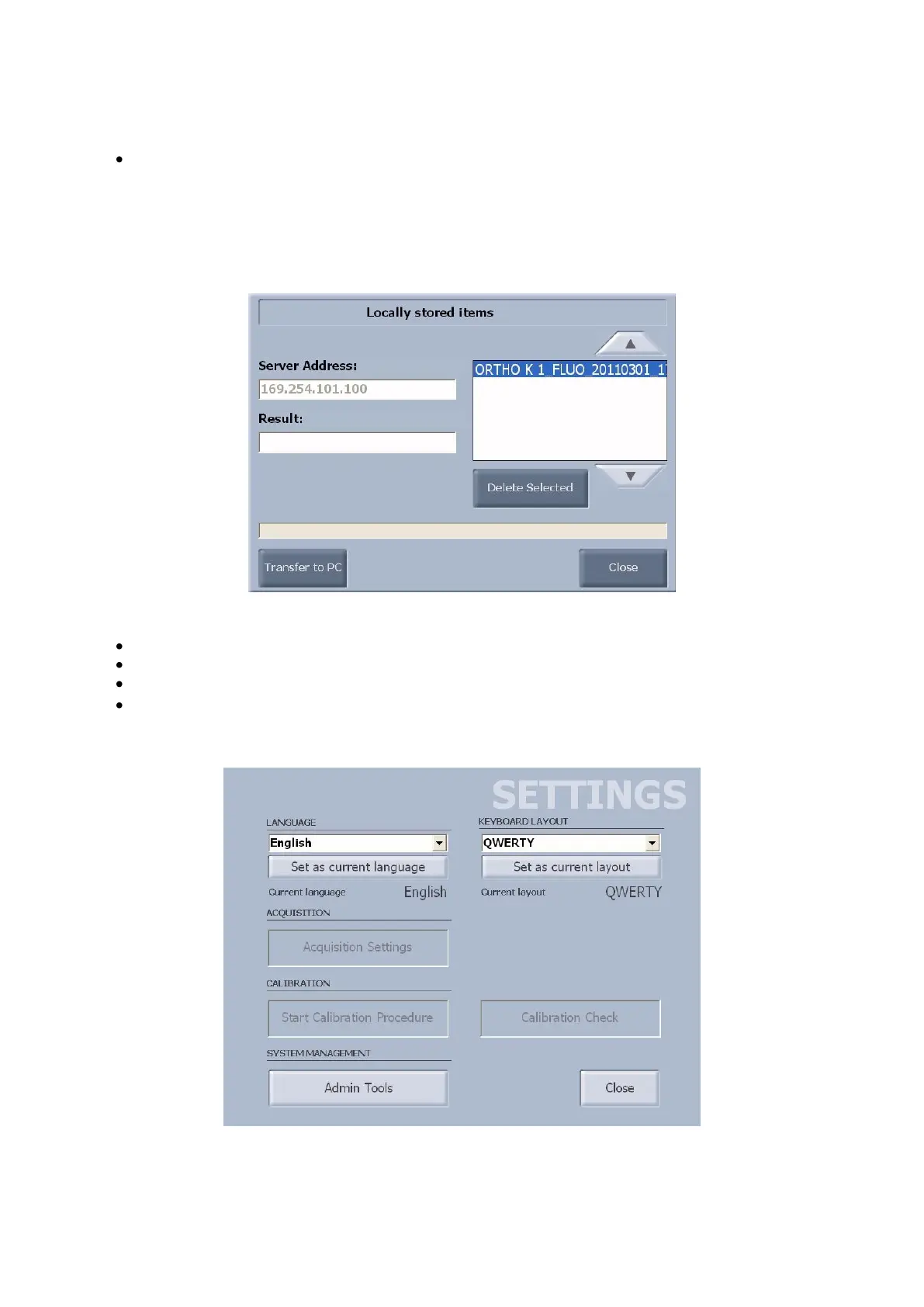
Local List: opens a list with locally stored items (fig. 1-6). This button is only active when there are
locally stored items available.
Transfer to PC: transfers the selected files to the PC. If there are transfer problems,
see the “Troubleshooting” section;
Close: closes the dialogue window;
Delete Selected: deletes the selected files.
fig. 1-6
Clear : clears the contents of the list and the patient details fields;
AZ : sorts the patients list in alphabetical order;
ZA : sorts the patients list in reverse alphabetical order;
Settings: open the settings panel (fig. 1-7). Only the buttons for language setting, keyboard layout
setting and system management tools are active. For more details on using these buttons, see the
“Settings” section.
fig. 1-7



 To Next Page