CA-200F Corneal Analyser - Rev. 7 16/01/2012
22
ACQUISITION ENVIRONMENT
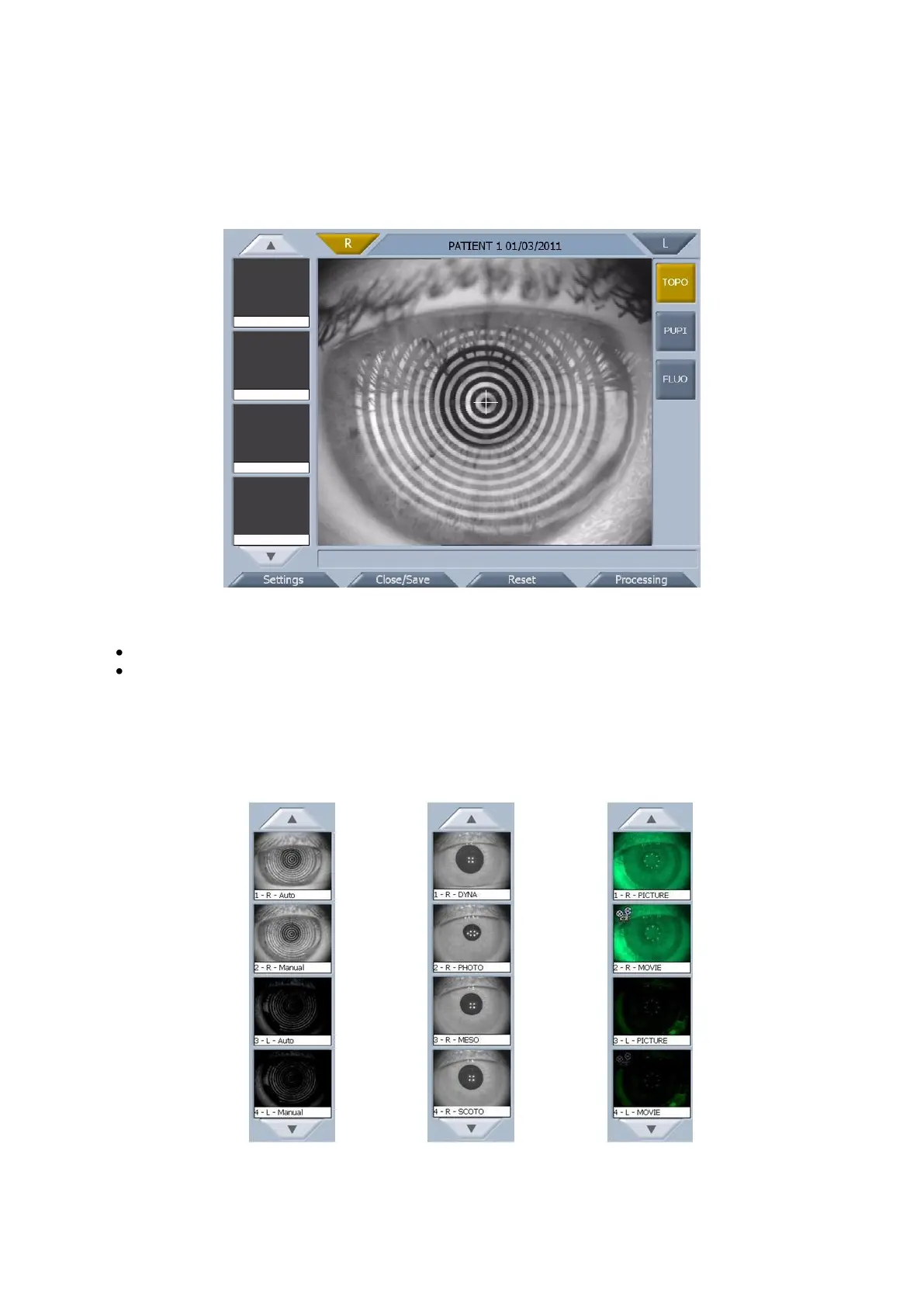
The acquisition environment is divided into three sections: Topography, Pupillometry and Fluorescein.
Each time you access acquisition, the instrument is set to topography (fig. 1-8).
fig. 1-8
The following buttons are available in the acquisition window:
R and L: indicates the eye being acquired, highlighted in yellow.
TOPO, PUPI, FLUO: indicates the type of acquisition (highlighted in yellow); you can select from
topography, pupillometry and fluorescein.
Acquisition Gallery
A preview of the acquired image is shown in the acquisition gallery (fig. 1-9, fig. 1-10, fig. 1-11 for
topography, pupillometry and fluorescein, respectively).



 To Next Page