CA-200F Corneal Analyser - Rev. 7 16/01/2012
Surgeon Information
Select a surgeon from the list.
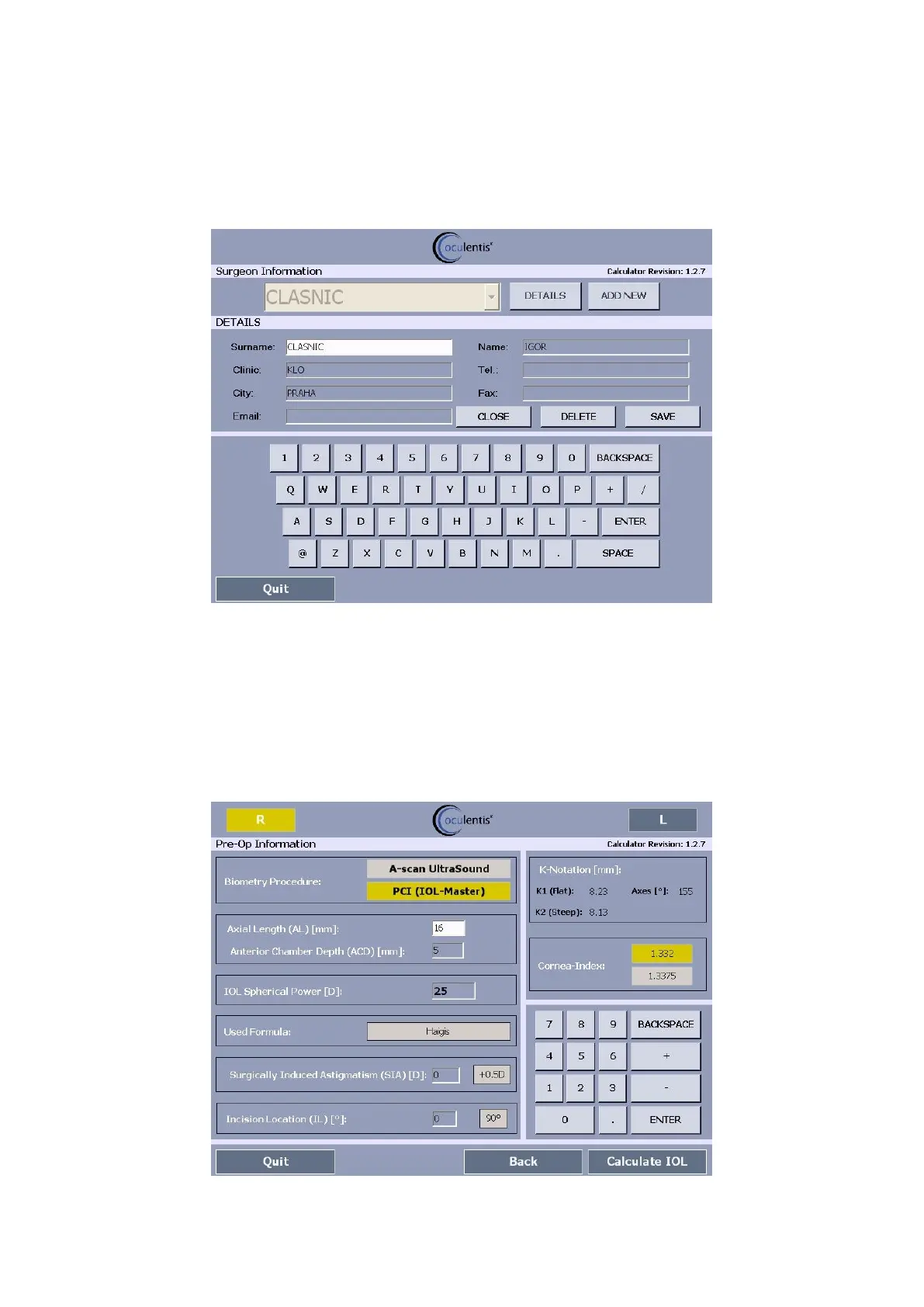
Tap on "Details" for the surgeon details (fig. 1-70).
Tap on "Add new" to add a new surgeon.
fig. 1-70
Tap on "Close" to close the surgeon details.
Tap on “Delete” to delete the surgeon data.
Tap on "Save" to save the surgeon details.
Tap on "Next" to input pre-op information (fig. 1-71).
Pre-Op Information
fig. 1-71



 To Next Page