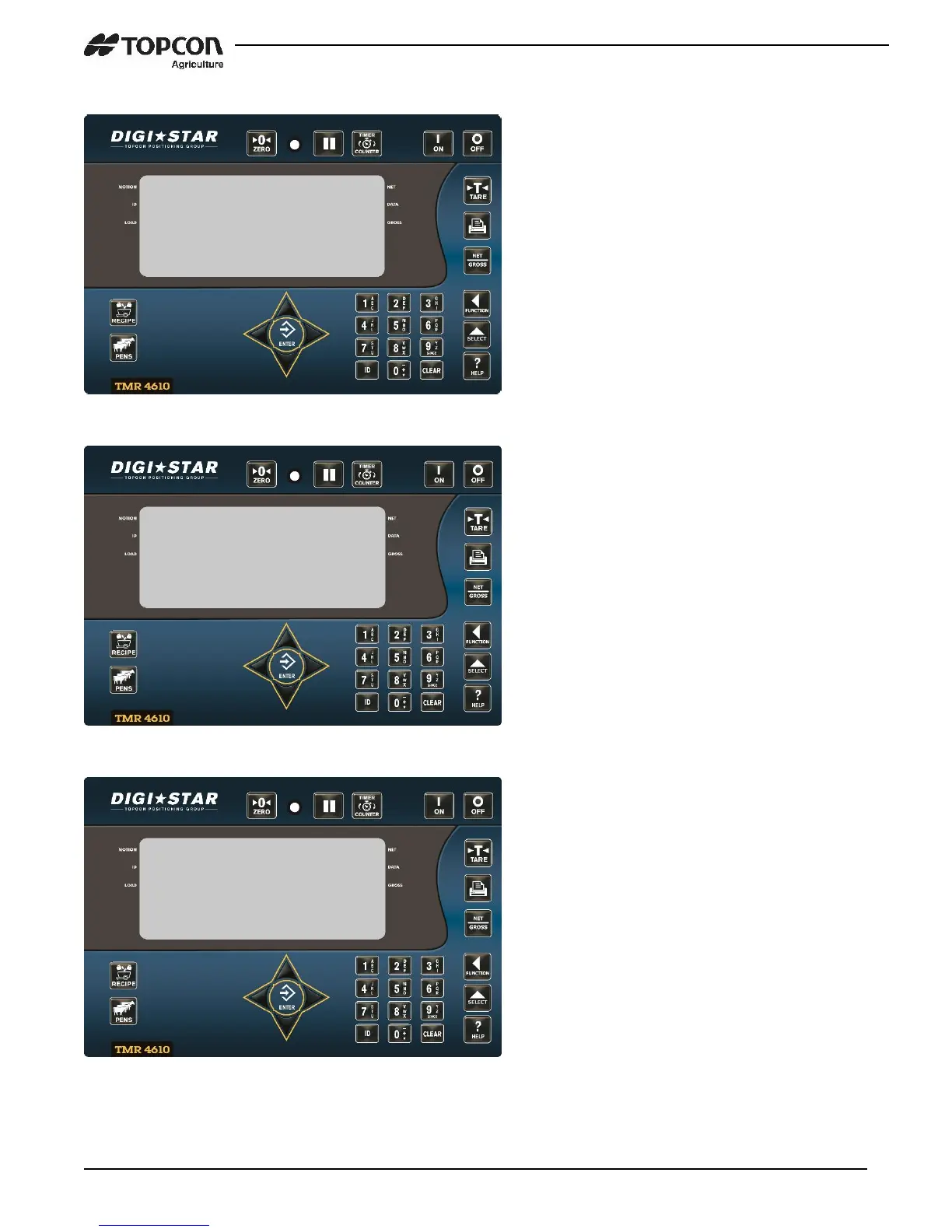
With the addition of the TMR4610 to the
TMR batching family of indicators, a new
feature was created. The Log In/Log Out
feature could be used in the following
scenarios.
• Equipment failure – feedlines can be
sent to a different indicator to be
completed.
• Shift Feeding – Multiple scales could
be used to complete feedings by shift
METHOD #1 – Manual Mode
1. Repeatedly press the FUNCTION key
until “LOG” is displayed.
2. Press and hold the FUNTION key.
3. The LOG screen will be displayed.
4. Press the 1 key to perform a “log in”
and follow the prompts.
Warning: When a log in is performed, all
internal feedline memory will be
overwritten.
5. When completed, indicator will
prompt to remove USB drive
METHOD #2 – Automatic Mode
NOTE: To use Auto mode, (MSTORE –
D.A.N 6215) setting will need to be set to
SELECT – see Media Storage pg. 18.
1. Insert USB, indicator should display
the SELECT screen.
2. Press the 1 key to perform a “log in”
and follow the prompts.
Warning: When a log in is performed, all
internal feedline memory will be
overwritten.
3. When completed, indicator will
prompt to remove USB drive


 To Next Page