D4208-EN TMR4610 Operators Manual 37
13.5 Enter New Recipe
NOTE: In percent/load entry mode a 75% ingredient, for example, should be entered
As 75.00 on display. 5.75% ingredient entered as 5.75.
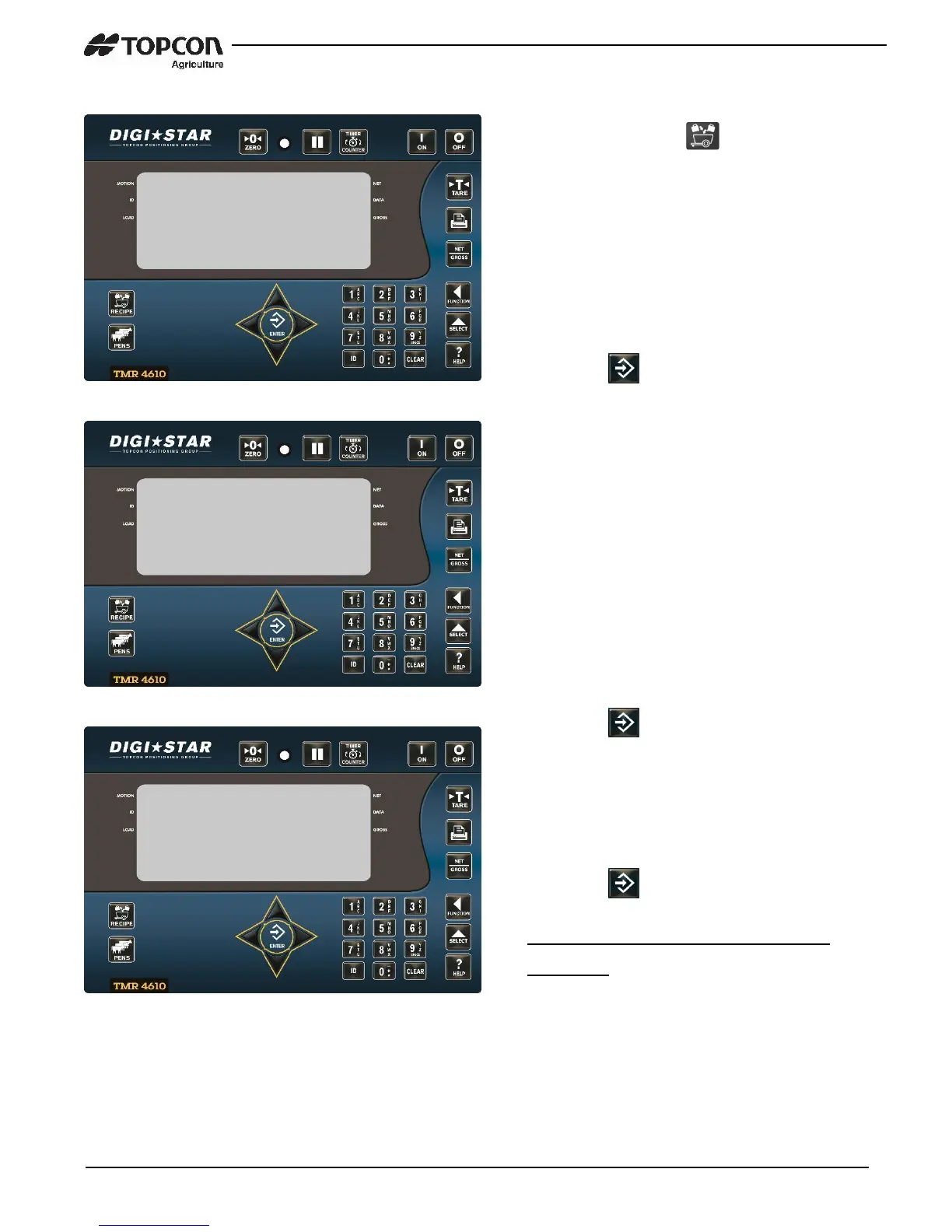
1. Press and hold until indicator
beeps and displays program then
displays either first recipe
programmed or rec_.
2. This indicates recipe number can be
entered using keypad.
Example; REC-01, REC-02, REC-03
3. Press to add recipe.
4. Press UP and DOWN arrows to scroll
ingredients.
5. Press to select ingredient shown
on display.
6. Enter amount of ingredient required.
(See note below)
7. Press to store amount.
Repeat steps 4-7 for each ingredient
Required.


 To Next Page