20 TMR4610 Operators Manual D4208-EN
10.0 INDICATOR DATA FORMATS
Data sent to indicator sent in two formats:
Complete Loads Mode: Each load built by PC software. It assigns pens to recipe and
builds exact load for pens.
Recipe and Pen List Mode: PC software sends recipe data and pen data in two different
fields. Operator selects recipe to build and pen deliveries.
10.1 Loading and Feeding Complete Loads Mode
Starting a Recipe
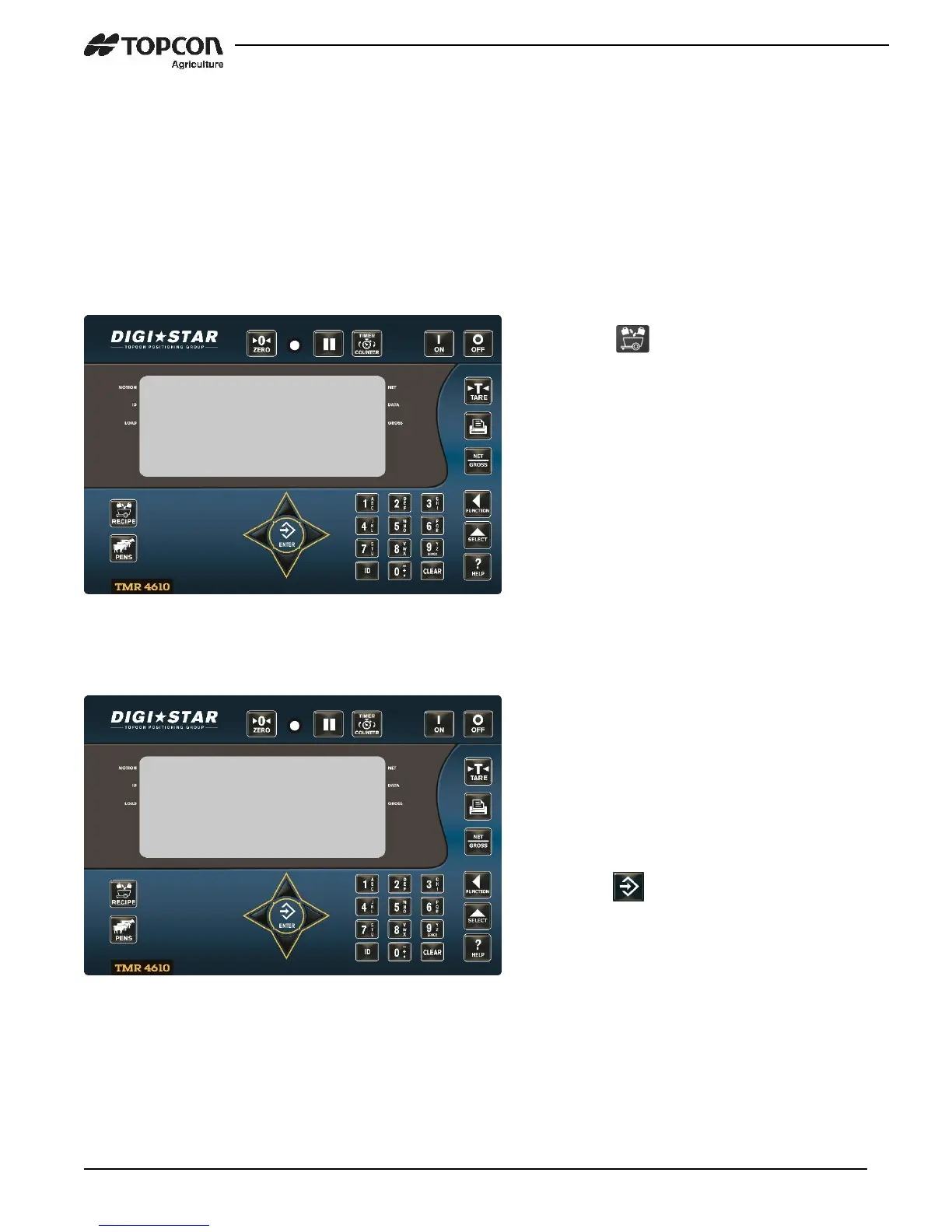
1. Press .
1. Scrolls feeding number, first
recipe and pen number.
2. Press UP and DOWN arrows to
find desired recipe.
3. Desired recipe in display line,
press .


 To Next Page