METHOD #1 – Manual Mode
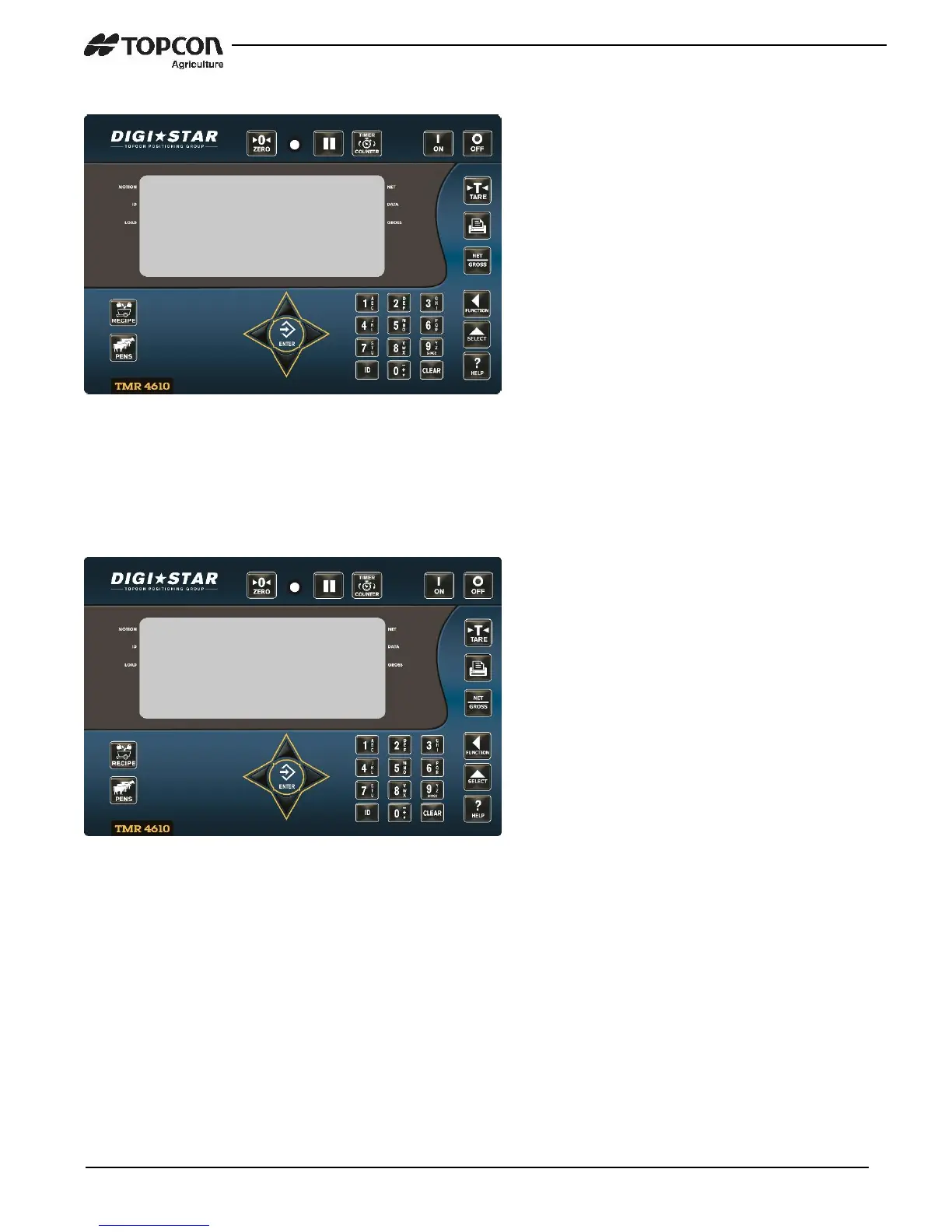
1. Repeatedly press the FUNCTION
key until “LOG” is displayed.
2. Press and hold the FUNTION key.
3. The LOG screen will be displayed.
4. Press the 2 key to perform a “log
out” and follow the prompts.
5. When completed, indicator will
prompt to remove USB drive
NOTE: When a log out is performed,
the indicator will create 2 files.
DS_DONE – All completed records.
DS_BATCH IMAGE – All undone
records and partial drops.
METHOD #2 – Automatic Mode
NOTE: To use Auto mode, (MSTORE –
D.A.N 6215) setting will need to be set to
SELECT – see Media Storage pg. 18.
1. Insert USB, indicator should
display the SELECT screen.
2. Press the 2 key to perform a “log
out” and follow the prompts.
3. When completed, indicator will
prompt to remove USB drive


 To Next Page