D4208-EN TMR4610 Operators Manual 33
12.7 Scale ID or Truck ID
Each indicator has scale ID.
12.8 Scale Number
Used with cab control option.
12.9 Resize Option
Make weight changes to pens, unload weight or recipe load size.
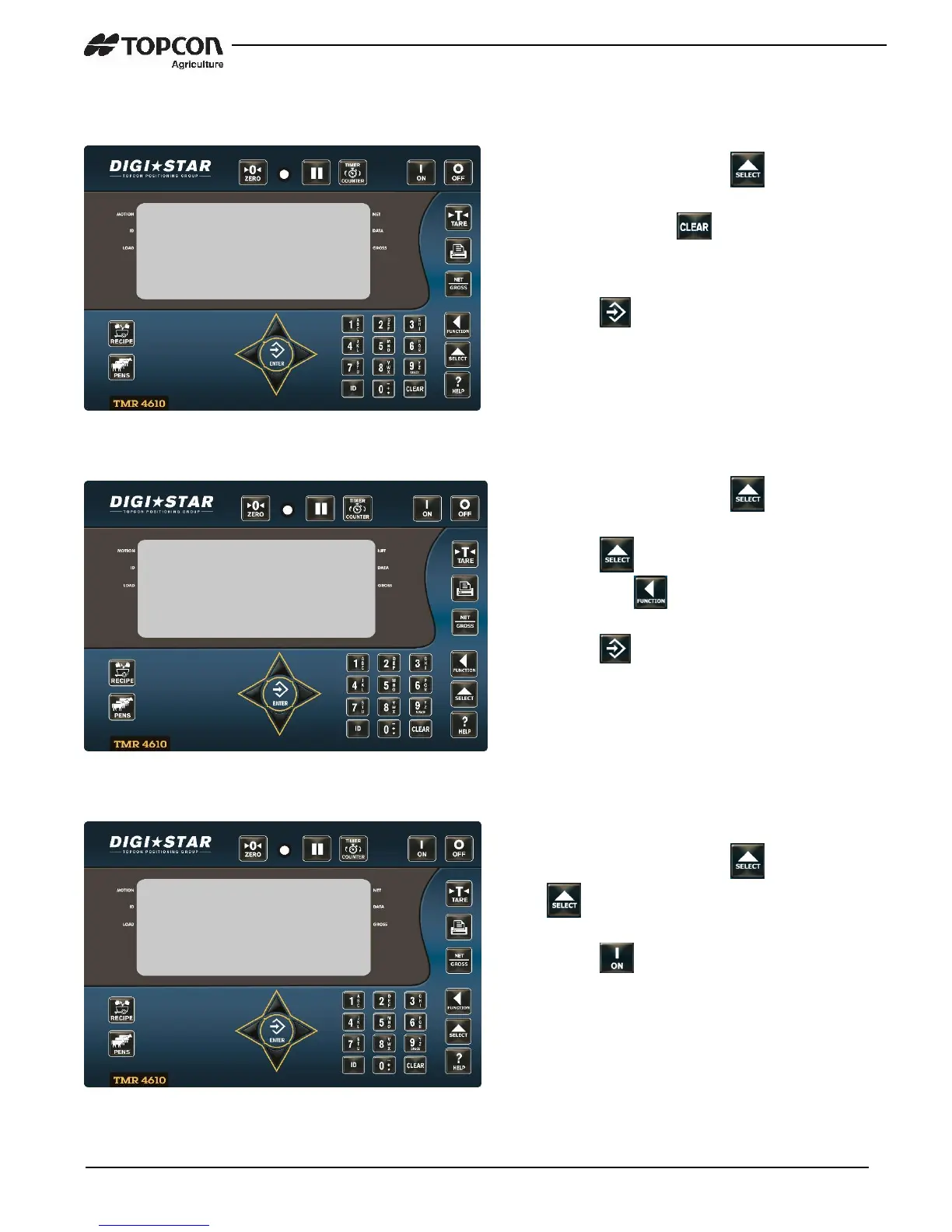
1. Enter 1003 and press .
2. Press and hold for three seconds
to erase old ID, enter the new ID.
3. Press .
Note: TMR Tracker or other 3
rd
party
Software ID must match.
1. Enter 2002 and press .
2. Press again to move up the list
and press to move down the list.
3. Press .
Note: Do not use same number for two
different Indictors.
1. Enter 6014 and press . Press
again to change to ON/OFF.
2. Press .


 To Next Page