D4208-EN TMR4610 Operators Manual 35
13.0 MANUAL PROGRAMMING OF RECIPES
Three different Entry Methods for entering ingredients:
Amount per Animal (this is the default setting)
Allows entry of ingredient amounts required for feeding one animal. Indicator calculates
preset amounts required for each ingredient.
Percent (%) Per Load
Enter ingredient amounts in (%). Indicator calculates amounts for each ingredient. Total of
all ingredients must equal 100% in this mode.
Amount per Load
Allows entry of ingredient amounts required per load.
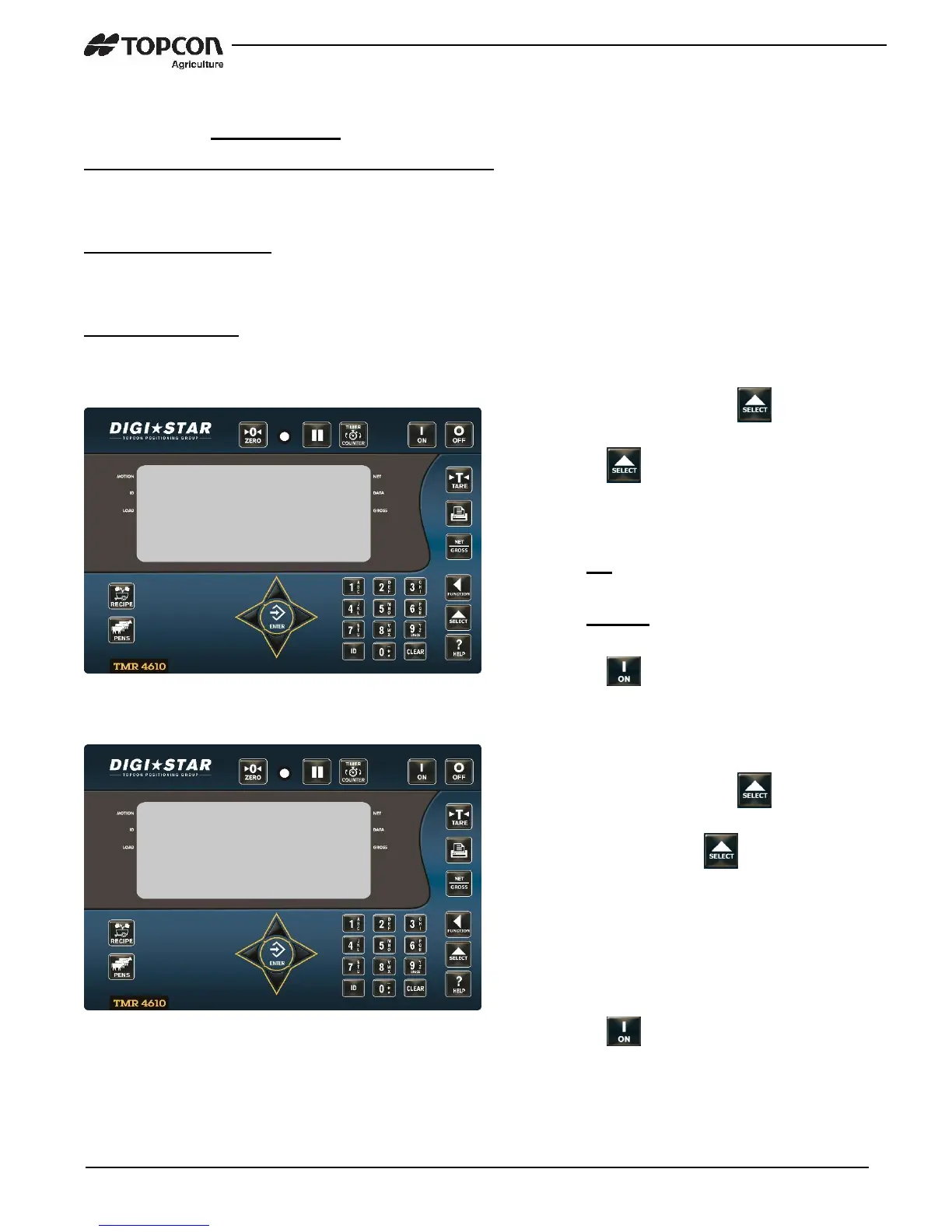
13.1 Switch to Manual Programming
13.2 Change Entry Method
1. Enter 6054 and press .
2. Press again to switch from pc to
scale.
Select PC to program recipes with
computer.
Select SCALE to manually program
recipes with scale indicator.
3. Press .
1. Enter 6101 and press .
2. Repeatedly press scrolls
Select one of the following entry methods:
1 = Amount per Animal
2 = Percent (%) per Load
3 = Amount per Load
3. Press .


 To Next Page