28 TMR4610 Operators Manual D4208-EN
11.7 Rotation Counter
The rotational counter is used much like the timer. It allows the indicator to count the
number of revolutions of a mixer shaft and notifies the operator when a set count is
reached.
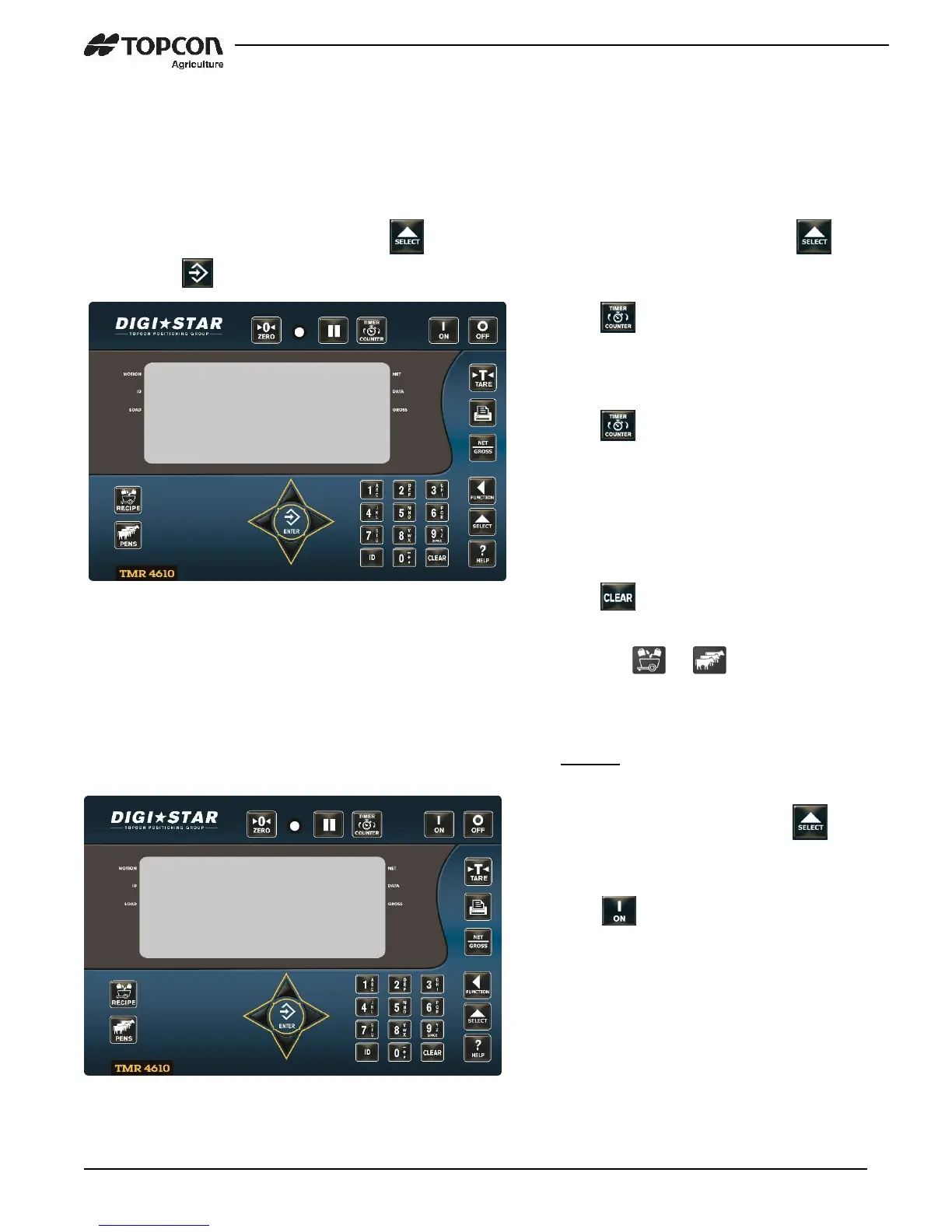
Note: First enter D.A.N. 4301, Press . Choose TIMER or COUNTER, by pressing .
Then press .
11.8 Drive Ratio
Drive ratio value is: number of turns seen by the sensor divided by the number of Mixer
rotations.
1. Press .
2. Use the numeric keypad to enter the
number of rotations.
3. Press .
4. The Rotation Counter will begin to
count down. When the counter
reaches zero the alarm light and
buzzer will turn on.
5. Press to enter the weighing mode.
6. Press the or key to re-enter
the batching mode.
1. Enter D.A.N. 4302 and press to
enter the drive ratio value.
2. Press .


 To Next Page