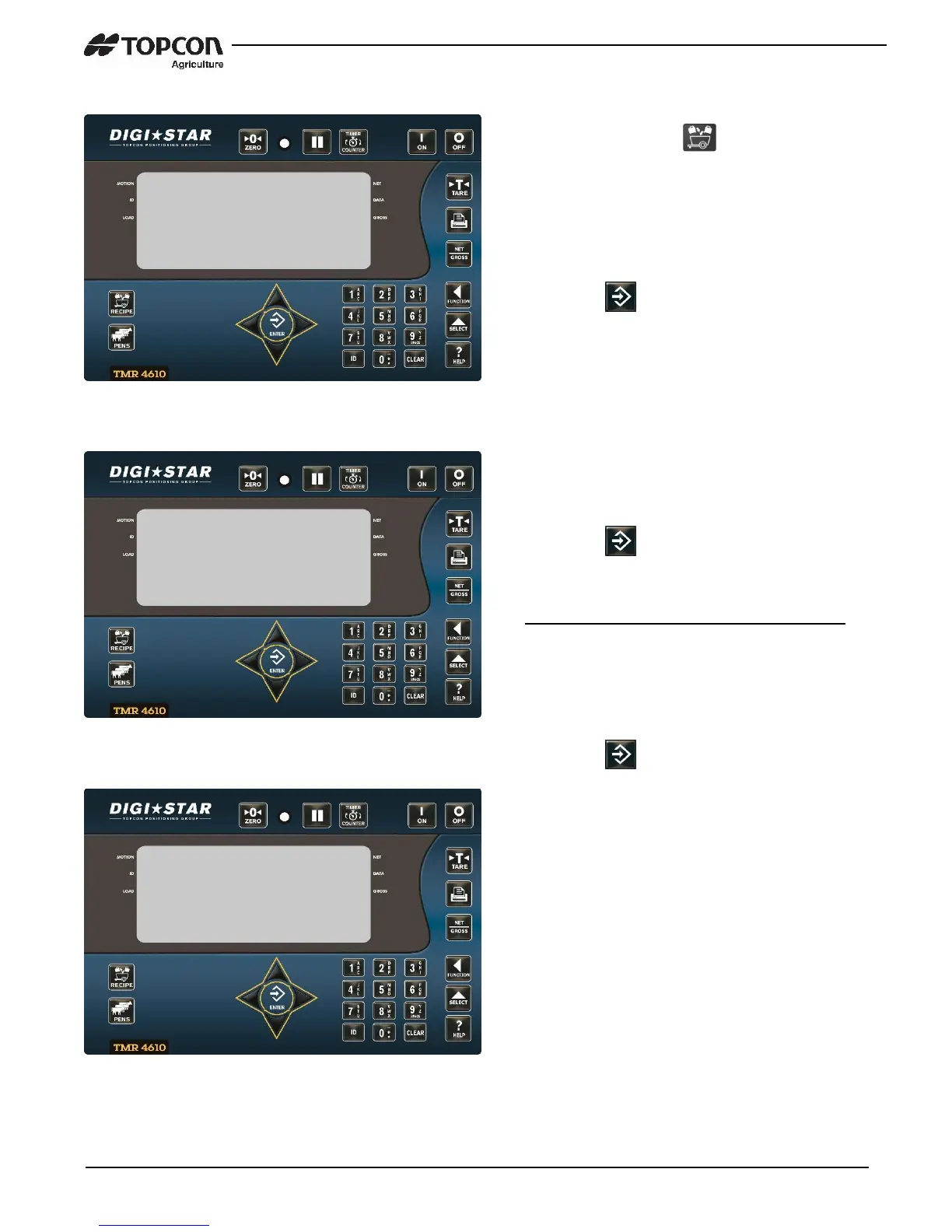
1. Press and hold until indicator
beeps and displays program.
2. Press UP or DOWN arrows until
recipe number is displayed.
3. Press to edit this recipe.
4. First ingredient name displayed
followed by amount.
5. Enter new amount using keypad.
6. Press , stores and advances to
next ingredient.
Repeat steps 5 and 6 for new amounts
7. Press DOWN or UP arrow until done is
displayed
8. Press to exit recipe being edited.
NOTE: Ingredients / Pens can now be
added and removed from a programmed
recipe.
9. Press UP arrow to return to previous
ingredient/pen.
10. Press and hold RIGHT arrow for three
seconds to insert a new
ingredient/pen.
NOTE: This will insert the ingredient/pen
just before the current ingredient shown
on display, when in recipe edit mode.


 To Next Page