5 PROGRAM MODES
5-21
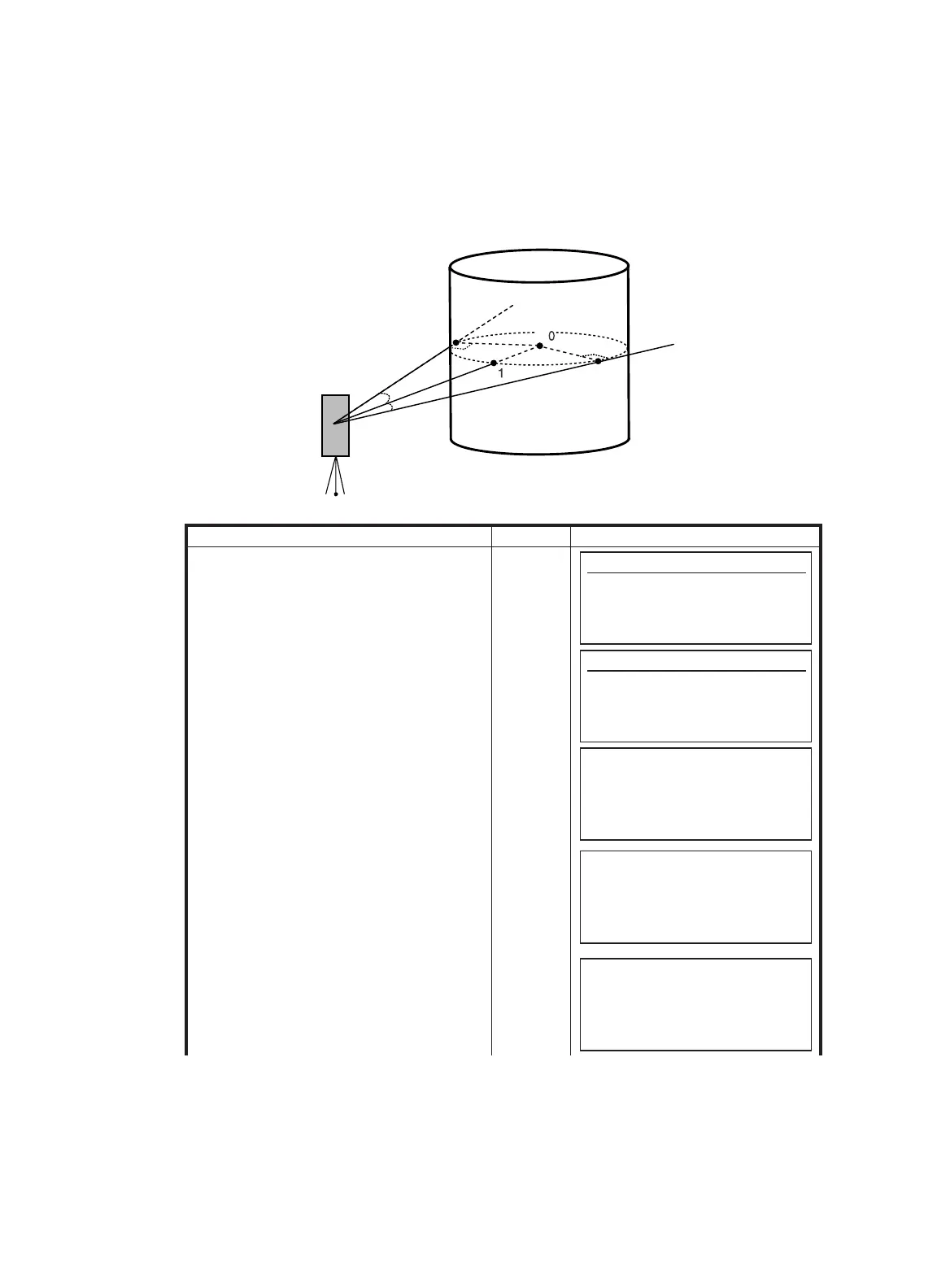
5.6.4 Column Offset Measurement
If it is possible to measure circumscription point (P1) of column directly, the distance to the center of
the column (P0), coordinate and direction angle can be calculated by measured circumscription points
(P2)and (P3).
Operating procedure Operation Display
1
Press [F6](MORE) key from programs menu
to get to the next page of programs.
[F6]
2
Press [F2](OFFSET) key.
[F2]
3
Press [F4](COLUMN OFFSET) key.
Measurement screen of the center of a
column will be shown.
[F4]
4
Collimate the center of the column (P1) and
press the [F1](MEAS) key.
Measuring will start.
After the measurement, angle measuring
display of the left side (P2) will be shown.
Collimate
P1
[F1]
P
P
P
2
3
P
Prism
Programs
F1 BS p 4/7
F2 STORE p
F3 REM p
F4 MLM p MORE
Programs
F1 LINE
p 7/7
F2 OFFSET p
F3 EXT.LINK p
MORE
OFFSET MEASUREMENT
1.ANGLE OFFSET
2.DIST. OFFSET
3.PLANE OFFSET
4.COLUMN OFFSET
COLUMN OFFSET
Center
HD : m
MEAS HT
COLUMN
OFFSET
Left
HR : 9
0° 30'40"
SET



 To Next Page
 Loading...

