114
7 CHECK AND ADJUSTMENT
15
Press the [NP/P] key to change the non-prism
mode.
16
Collimate the center of the prism.
17
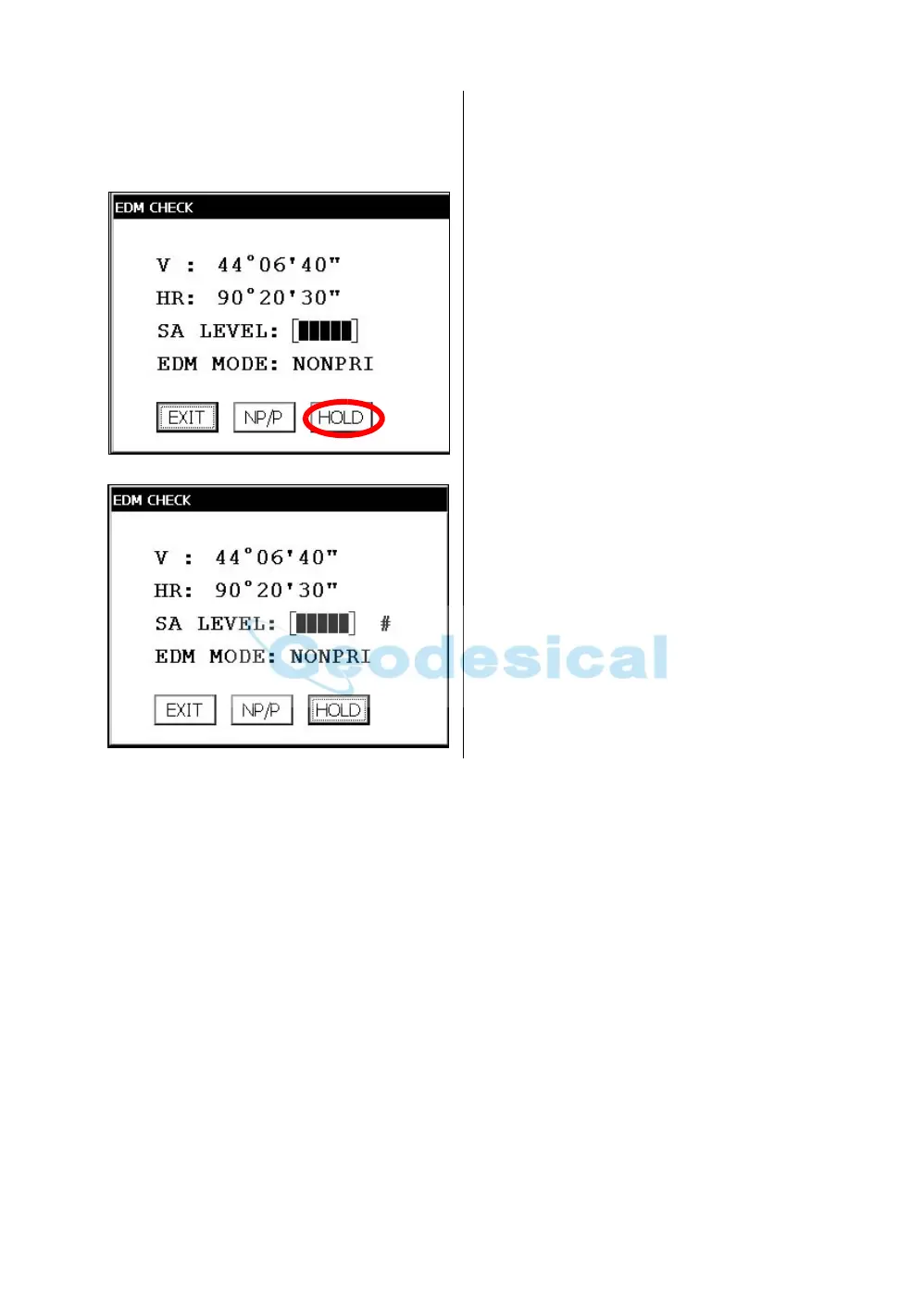
Press the [HOLD] key to hold the quantity of
the light.
The mark "#" will appear on the right side of the
signal level indicator.
18
Repeat the previous procedure 6 to 14 in the
same way in the non-prism mode.
If the difference is within 2', no problem for use.
If the difference is more than mentioned value,
contact with your Topcon dealer or Topcon.



 To Next Page