20
9
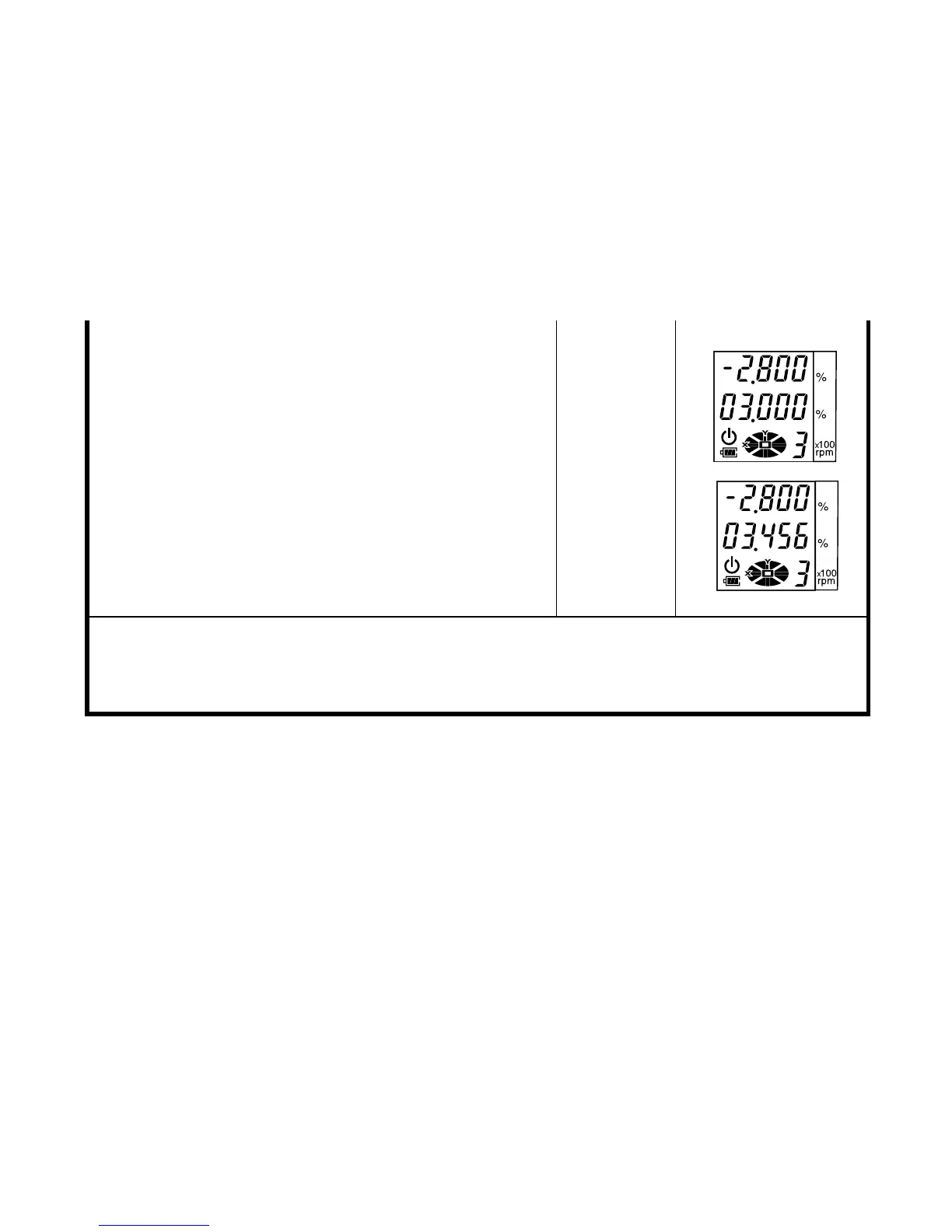
Press the [ Y] key to to activate grade entry.
The position of the second figure to the left of the
decimal point will blink.
10
Press the [Y] key to activate the first figure to the
left of the decimal point.
11
Press the [
▲
] key three times to set ‘3’.
12
Input the next figures in the same manner.
13
Press the [ENT] key to accept the Y-axis grade.
[Y]
[Y]
[
▲
] 3times
[ENT]
• Grade range: Single axis, -8.000% to +8.000%; Dual axes, |X| + |Y|
≤
10.000% grade.
• After grade entry is completed, it will take about two minutes for the beam to reset and
rotation to begin. DO NOT touch or tilt the instrument during automatic leveling as it will
disturb the precision of the leveling.



 To Next Page