19
How to enter grade
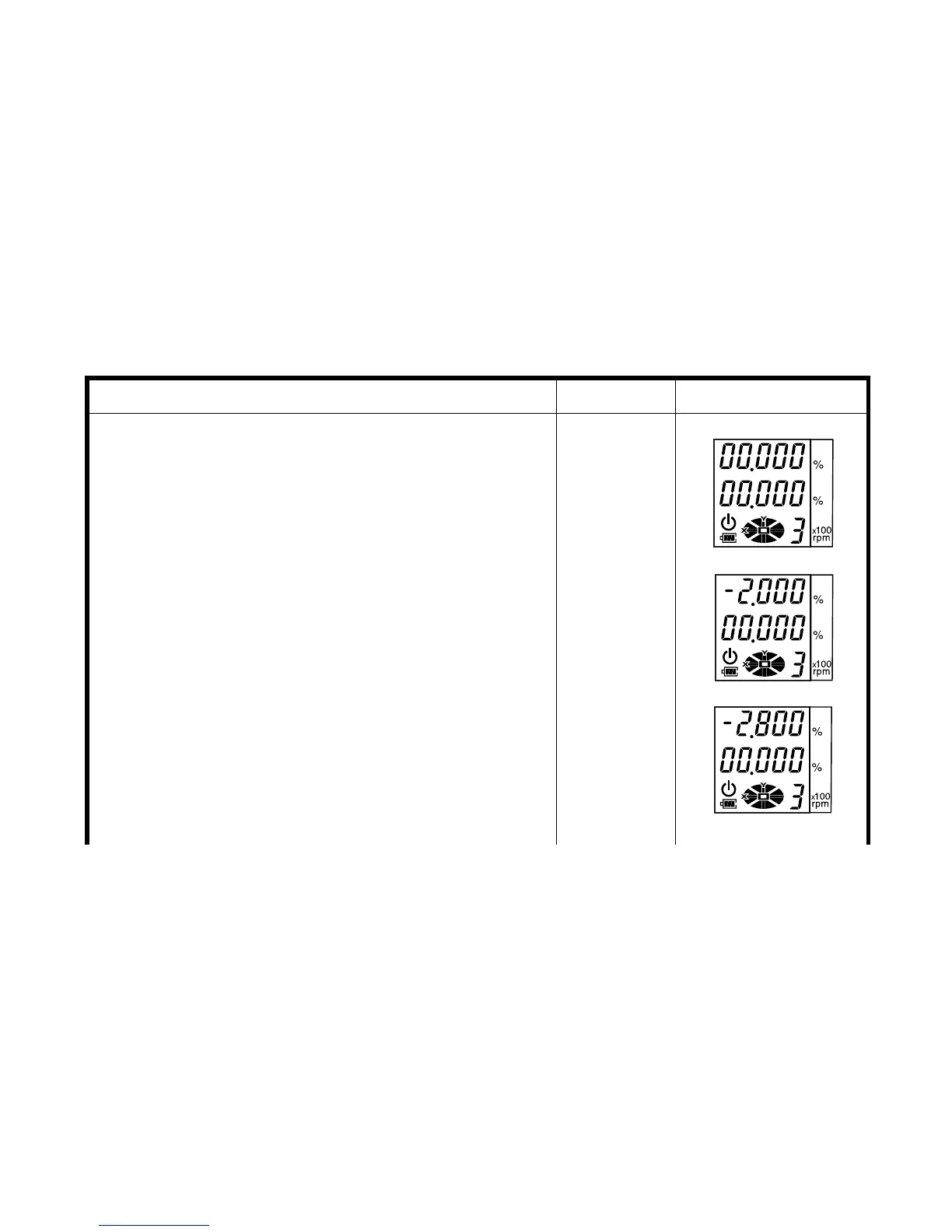
Setting example: Grade toward X-axis -2.800%
,
Y-axis -3.456%
Operating procedure Operation Display
1
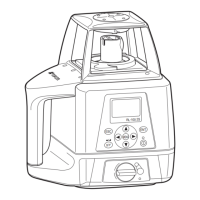
Turn the instrument on by pressing the power con-
trol pad. Auto-leveling will start.
2
Press the [ X] key to activate grade entry.
The position of the second figure to the left of the
decimal point will blink.
Power ON
[X]
3
Press the [
▲
] or [
▼
] key to set "-" (negative grade).
4
Press the [X] key to activate the first figure to the
left of the decimal point.
5
Press the [
▲
] key twice to set ‘2’.
[
▲
]or[
▼
]
[X]
[
▲
]twice
6
Press the [X] key to activate the first figure to the
right of the decimal point.
7
Press the [
▼
] key twice to set ‘8’.
8
Press the [ENT] key to accept the X-axis grade.
[X]
[
▼
]twice
[ENT]



 To Next Page