22
PREPARATIONS
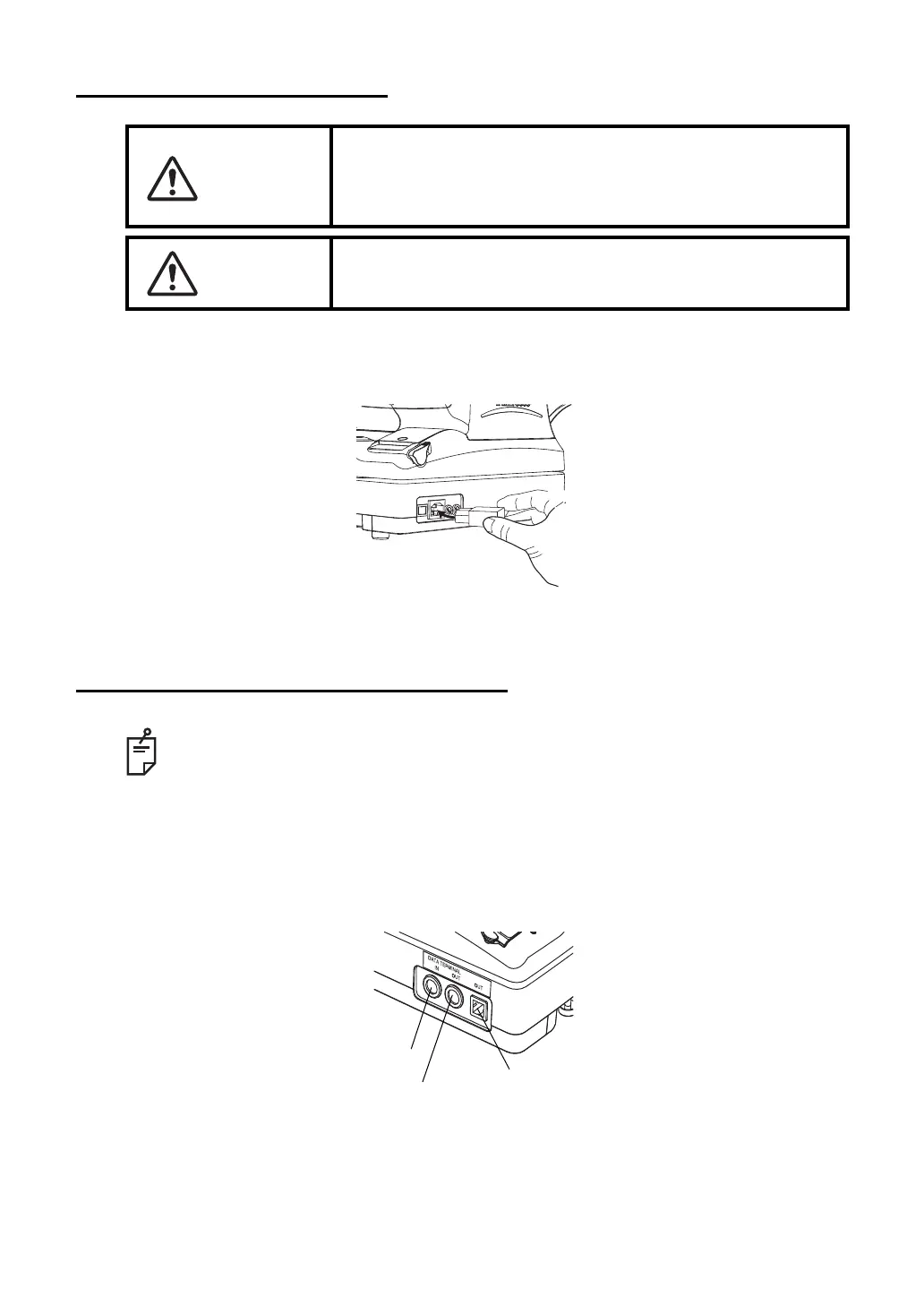
CONNECTING POWER CABLE
1 Make sure that the power switch of the main body is off.
2 Plug the power cable to the main body.
3 Plug the power cable to a grounded 3-pin AC receptacle.
CONNECTING EXTERNAL I/O TERMINALS
DATA OUT
This machine may be connected with a PC (personal computer) using RS232C or USB .
1 Connect the connection cable to the OUT terminal of the main body.
2 Connect the other end of the connection cable to the PC.
WARNING
Be sure to connect the power plug to an AC 3-pin receptacle
equipped with grounding. Connection with receptacle without
grounding may cause fire and electric shock in case of short-
circuiting.
CAUTION
To avoid electric shocks, do not handle the power plug
with wet fingers.
Use the external device complying with IEC60950/IEC60950-1, UL60950/
UL609501, or UL60601-1.
USB OUT terminal
IN terminal
RS-232C OUT terminal



 To Next Page