47
PREPARATIONS
MENU SETTING
In menu setting, data step, contact/glasses, continuous measurement, RS232C, date and
time can be set.
PREPARATION FOR MENU SETTING
1 Make sure of the connection of power cable.
For connection, see “CONNECTING POWER CABLE” on page 22.
2 Press “ON” the power switch.
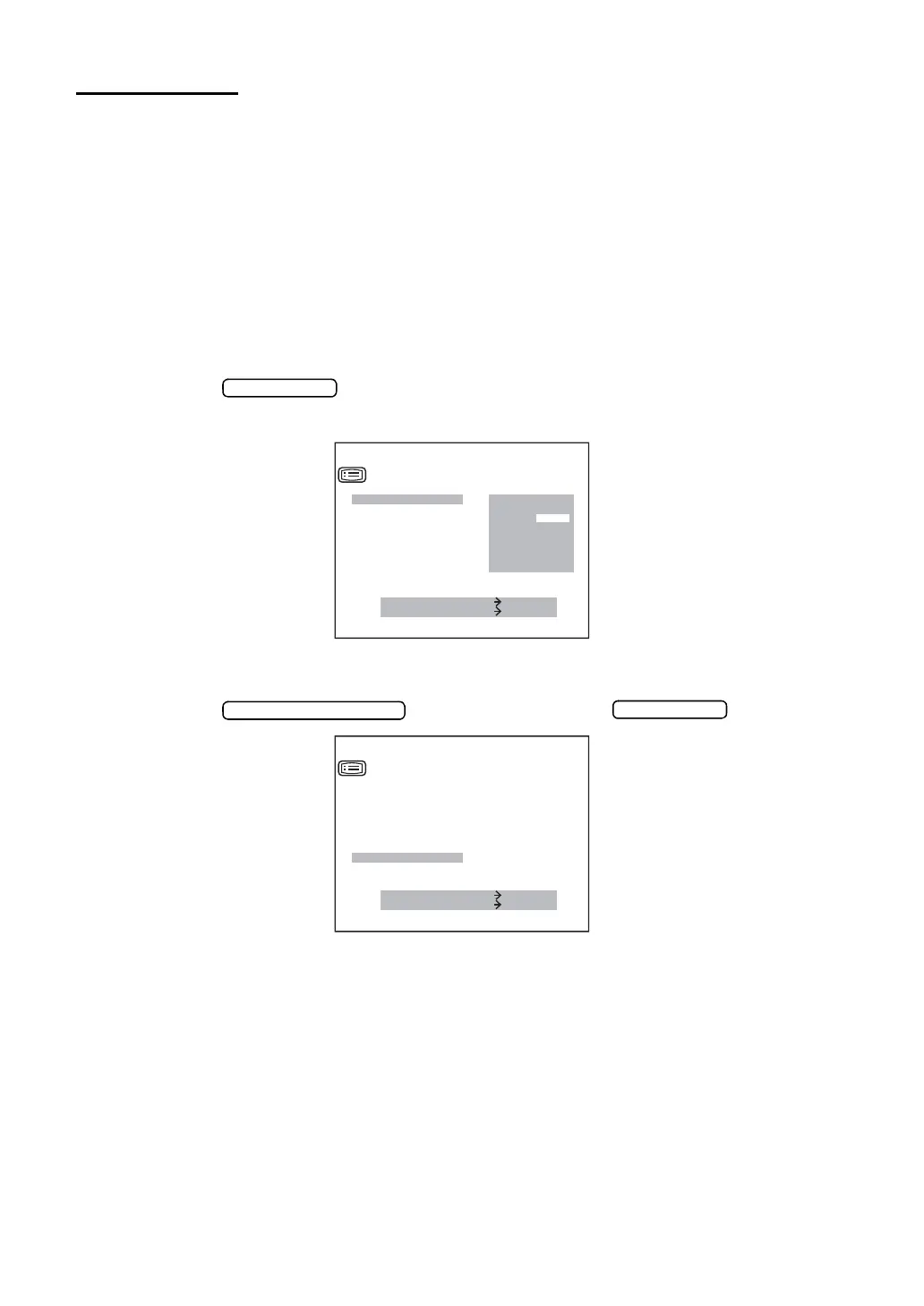
DISPLAYING MENU SCREEN
1 Make sure of the measurement screen.
2 Press the of the control panel.
Make sure or the “SETTING MENU SCREEN”.
RETURNING TO THE MEASUREMENT SCREEN
1 Press the , invert “EXIT”, and press .
MEASURE SWITCH ITEM
PRINT SWITCH SELECT
STEP
AXIS STEP
VD
CONT.MEAS.
OUTPUT DATA
ADD
EXIT
SETTING MENU
0.12
0.25
MEASURE SWITCH ITEM
PRINT SWITCH SELECT
CONT.MEAS.
OUTPUT DATA
ADD
DATE
/
TIME
D
/
MM
HV
/
R1R2
EXIT
SETTING MENU



 To Next Page