67
INDIVIDUAL OPERATIONS
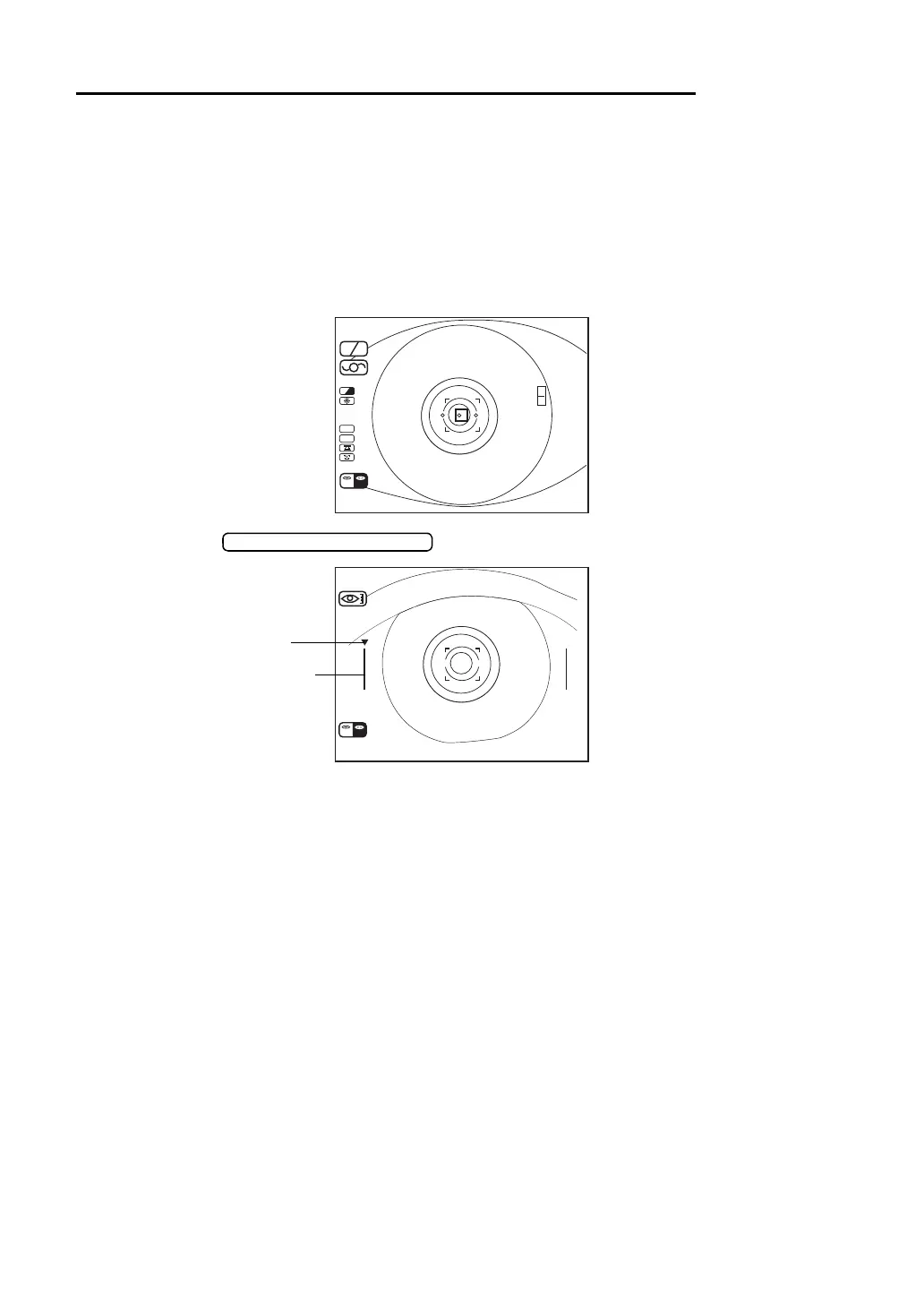
MEASUREMENT OF CORNEA DIAMETER (ONLY IN KR-8900)
For the measurement of cornea diameter, “C.D.MEMORY YES” (measurement of static
image) or “C.D.MEMORY NO” (measurement of dynamic image) can be selected in the initial
setting.
For changing settings, see “Changing the cornea diameter measurement method (Only in KR-
8900)” on page 27.
MEASURING THE DYNAMIC IMAGE
1 Focus the target eye.
2 Press the .
3 Observe of the cornea diameter screen.
SC A
A
HV
R
K
m
D
CYL
VD
12.00
R
R00 00
K
L
01
0001
(-)
/
00 00
/
R
D
L
Guide mark
Positioning bar



 To Next Page