53
PREPARATIONS
PRINTER PAPER SETTING
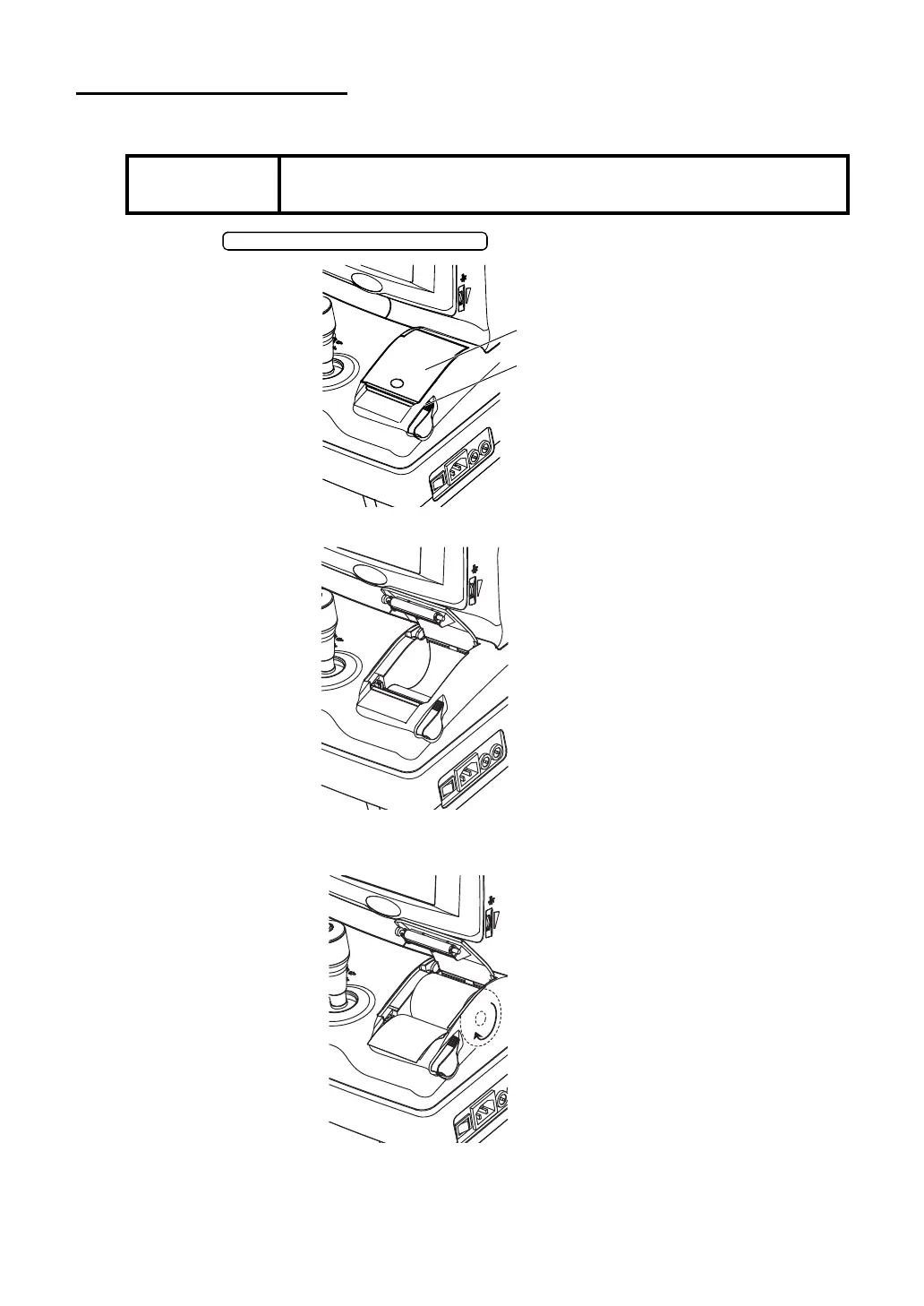
1 Press the to open the printer cover.
2 Open the printer cover to the utmost limit.
3 As taking care for the winding direction, load the paper into the printer and pull out the
paper end to your side by 7 to 8cm.
NOTE:
• Note that printing cannot be done if the paper back faces up by set-
ting the roll in opposite direction.
PRINTER COVER OPEN SWITCH
Printer cover
Printer cover open switch



 To Next Page