52
PREPARATIONS
SETTING HV/R1R2 (Only in KR-8900)
You can select how the cornea measurement is displayed on the monitor screen from either
HV (horizontal/vertical direction) or R1R2 (radius of curvature of first/second principal
meridian). When shipped, the HV(horizontal/vertical direction) is selected as the default
setting.
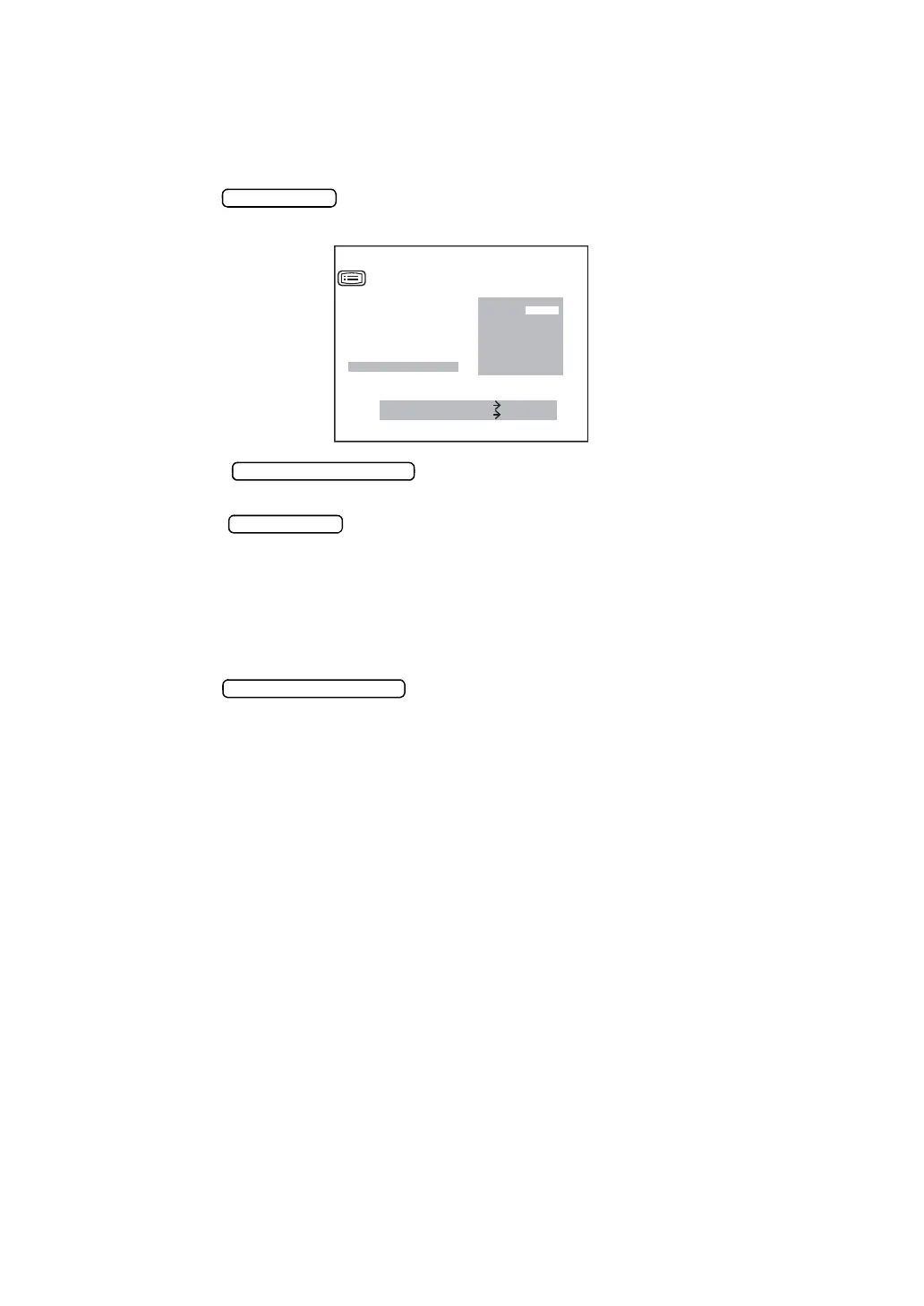
1 Press the to call up the menu screen. The HV/R1R2 cursor is inverted and
the measurement step is displayd on the right.
2 Press the and invert "HV/R1R2." The display method of the
cornea measurement result is displayed on the right. The set display method is inverted.
3 Press the and invert the display method of the cornea measurement
result you want to set.
HV:Horizontal / vertical radius of curvature
R1: Radius of curvature of seconde principal meridian
R2: Radius of curvature of first principal meridian
4 Press the to save the settings; the next item (EXIT) is inverted.
MEASURE SWITCH ITEM
PRINT SWITCH SELECT
VD
CONT.MEAS.
OUTPUT DATA
ADD
DATE
/
TIME
D
/
MM
HV
/
R1R2
HV
R1R2
SETTING MENU



 To Next Page