83
MAINTENANCE
MAINTENANCE
DAILY CHECKUPS
CHECKING THE MEASURING ACCURACY
• Measure the attached model eye and check the accuracy at regular intervals.
CLEANING THE INSTRUMENT
• Dust on examination window .....Blow off dust by a blower.
• Fingerprints and oil spots on
examination window...................Blow off dust by a blower and wipe the surface lightly with
a camera lens cleaner using clean gauze.
• Dirty instrument cover................Wipe the surface with the attached silicon cloth or a dry
soft cloth. Never use solvents or a chemical duster.
CLEANING APPLIED PARTS
• Wipe the forehead rest and the chin rest with a cloth moistened with a tepid solution of neu-
tral detergent for kitchenware.
DAILY MAINTENANCE
• For this instrument, dust may cause errors. When not in use, apply the measuring lens cap
and dust cover.
• When not in use, turn off the POWER switch.
ORDERING CONSUMABLE ITEMS
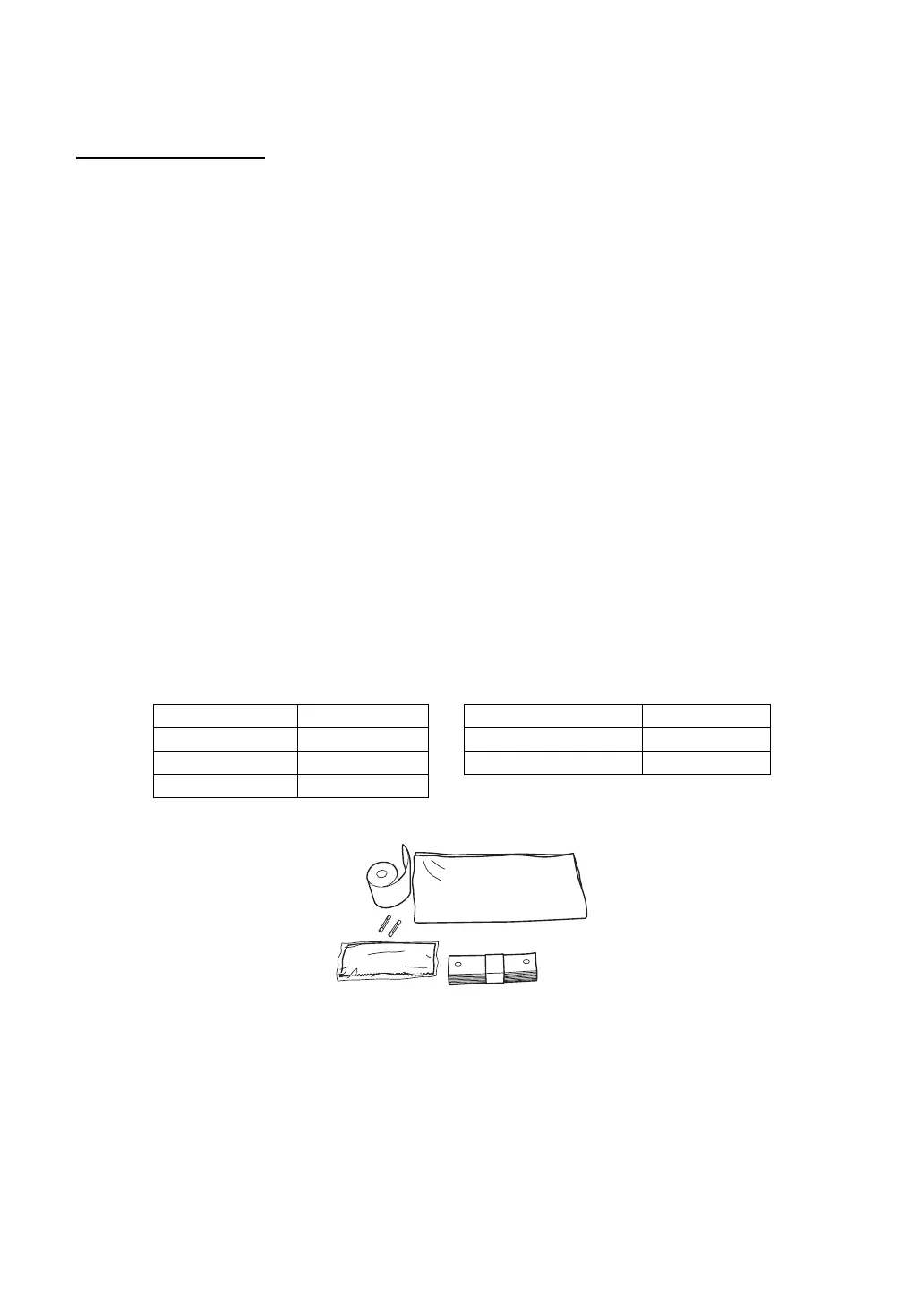
• When ordering consumable items, tell the product name, product code and quantity to your
dealer or TOPCON to the address stated on the back cover.
Product name Product code Product name Product code
Chinrest tissue 40310 4082 Printer paper 44800 4001
Silicon cloth 31087 2007 Fuse 3A 250V 41840 4014
Dust cover 42360 9002



 To Next Page