62
BASIC OPERATIONS
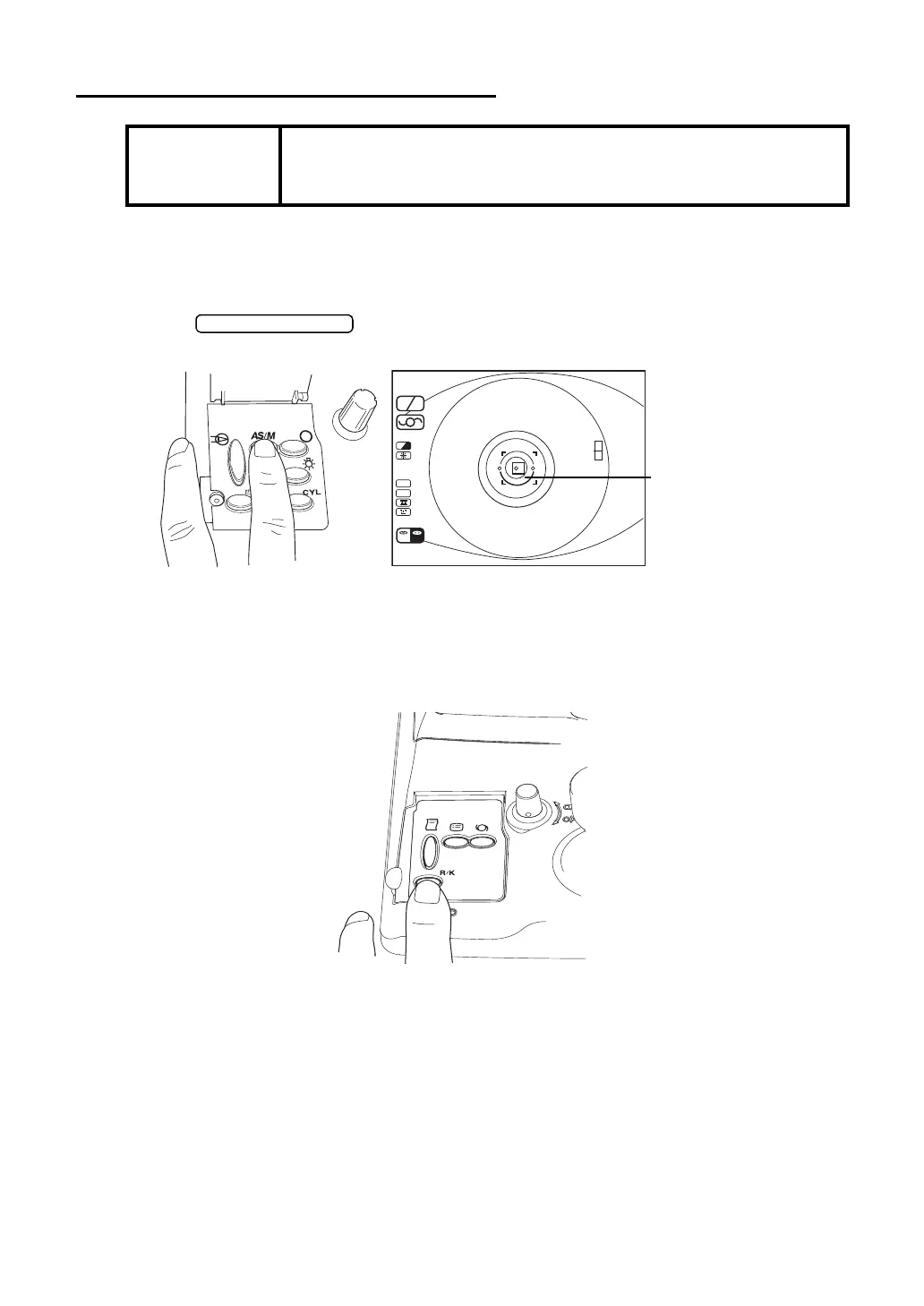
MEASUREMENT UNDER MANUAL MODE
SETTING THE PICTURING MODE
In the initial status after power on, the mode is set to the auto start.
1 Check of the measurement screen.
2 Press on the control panel and erase the alignment bar from the
monitor screen.
COLLIMATION AND MEASUREMENT
Alignment operations are done with the control lever.
For the adjustment of main body using the control lever, see MEMO on page 58.
NOTICE
• Adjust the height of automatic instrument table so that the patient
can sit on the chair comfortably to obtain accurate measurement
values.
SC A
A
HV
R
K
m
D
CYL
VD
12.00
R
R00 00
K
L
01
0001
(-)
/
00 00
/
R
D
L



 To Next Page