57
BASIC OPERATIONS
MEASUREMENT UNDER AUTO START MODE (ONLY IN KR-8900)
POSITIONING THE PATIENT
In the initial status after power on, the mode is set to the auto start.
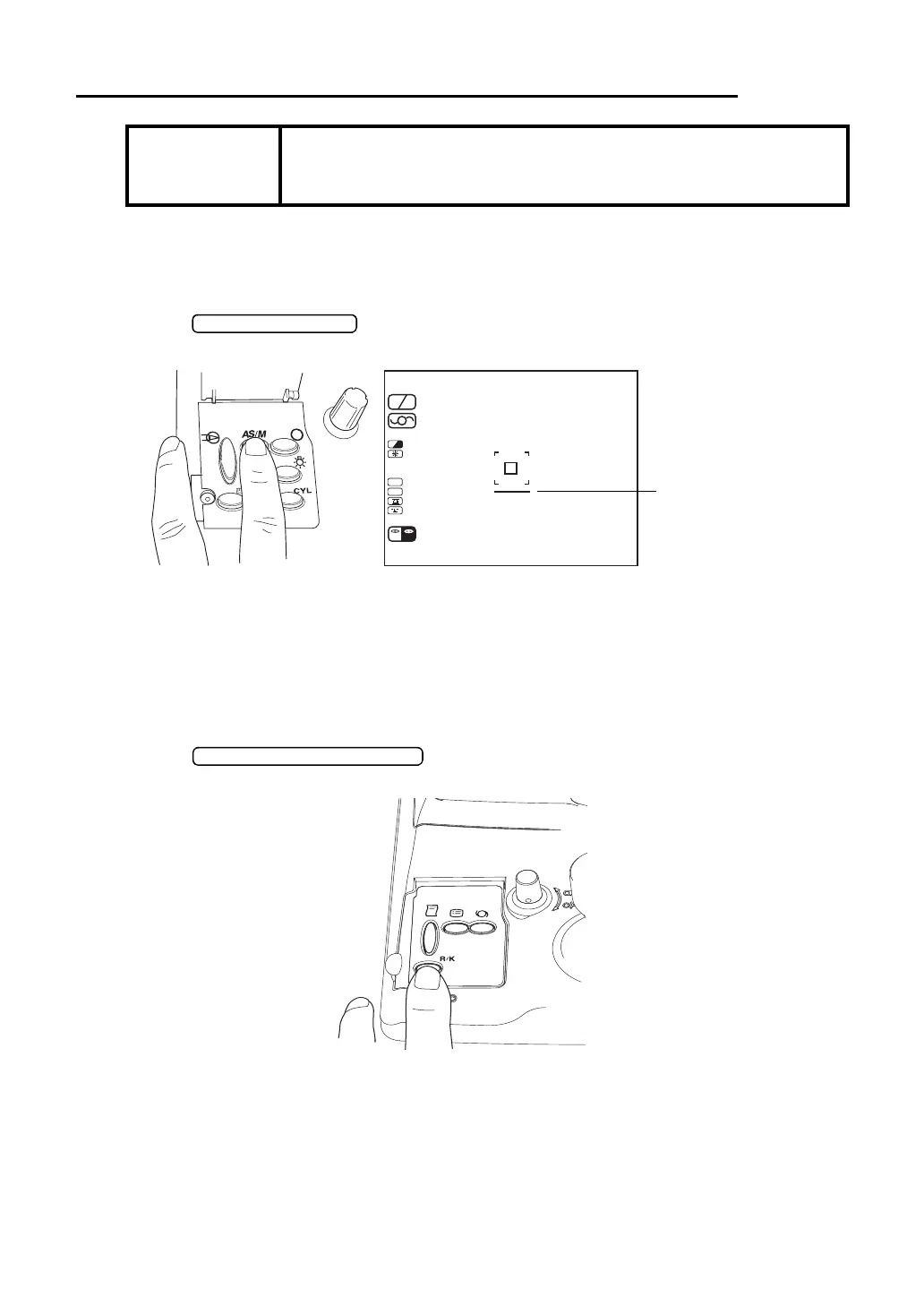
1 Make sure of the measurement screen.
2 Press on the control panel and display the alignment bar in the mon-
itor screen.
SETTING THE MEASUREMENT MODE
This instrument can change the measurement mode R/K (REF-KRT continuous measure-
ment, KRT, REF).
In the initial status after power on, the measurement mode is R/K.
1 Make sure of the measurement screen.
2 Press of the control panel and set the measurement mode.
NOTICE
• Adjust the height of automatic instrument table so that the patient
can sit on the chair with comfort to obtain correct measurement
values.
SC A
HV A
R
K
m
D
CYL
VD
12.00
R
R00 00
K
L
01
0001
(-)
/
00 00
/
R
D
L



 To Next Page