33
PREPARATIONS
PRINTOUT
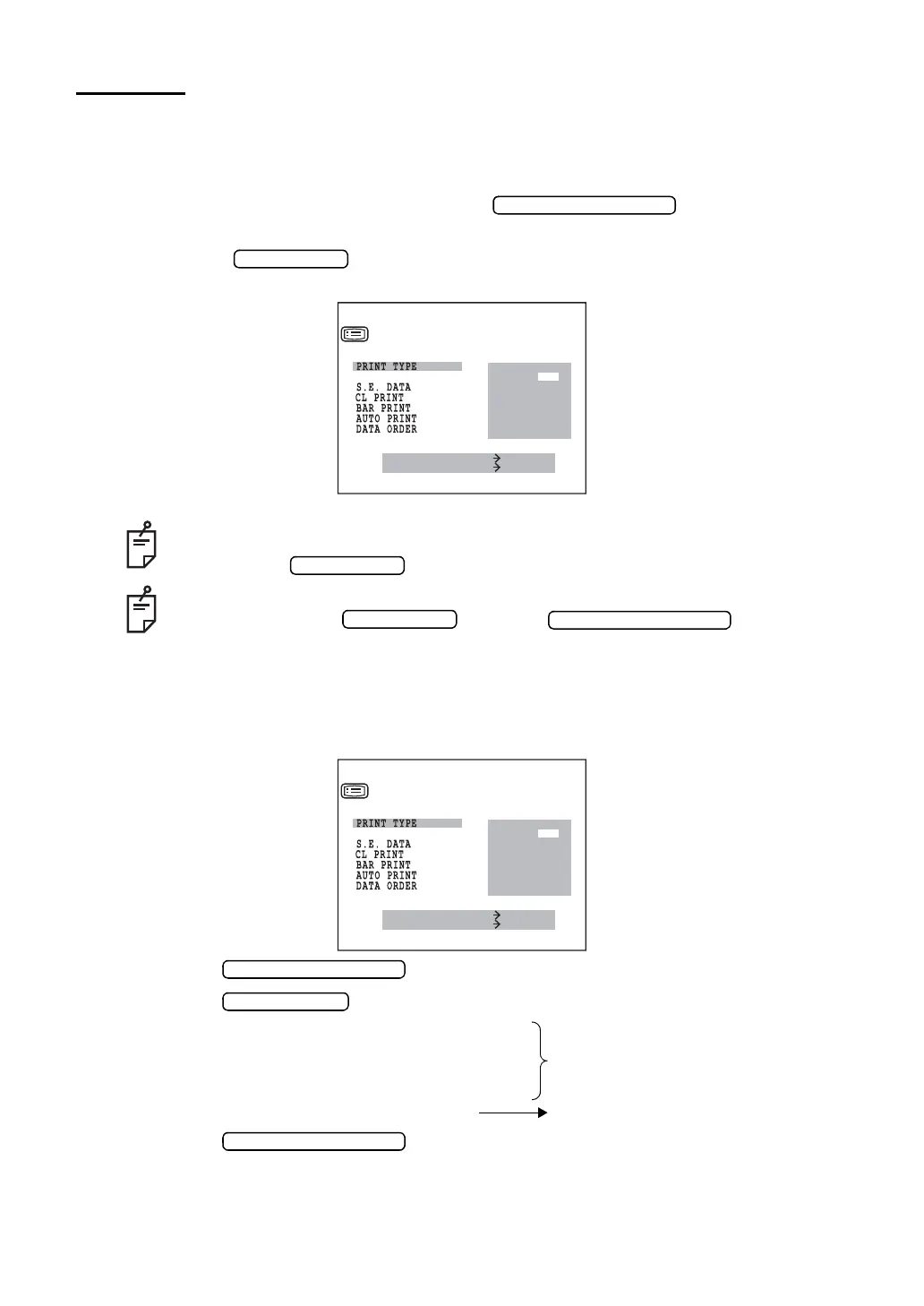
In the PRINT OUT screen, printout format, KRT printout format (only KR-8900), printing
equivalent spherical power, printing computer lensmeter data, and printing bar code can be
changed.
1 In the “INITIAL MENU SCREEN”, press the and move the cursor
to “PRINT OUT”.
2 Press the , and the monitor screen is changed to the “PRINT OUT
SCREEN”.
PRINTOUT FORMAT
The printout format can be set. Before shipment, it is set to “ALL” (print out all data).
1 In the “INITIAL MENU SCREEN”, choose “PRINT OUT” and get the “PRINT OUT
SCREEN”.
2 Press the and move the cursor to “PRINT TYPE”.
3 Press the and choose:
ALL (print out all data);
AVE (print out date, settings and typical value
of refractory power only);
SIM (print out typical value only); or
CSTM (select the settings by each item).
4 Press the , and the cursor goes to the next item.
• Close the “PRINT OUT SCREEN” and call the “INITIAL MENU SCREEN”.
• Move the cursor to “EXIT”.
• Press the .
To return to the previous item in the screen:
While pressing the , press the .
MEASURE SWITCH ITEM
PRINT SWITCH SELECT
PRINT OUT
ALL
AVE
SIM
CSTM
KRT PRINT TYPE
MEASURE SWITCH ITEM
PRINT SWITCH SELECT
PRINT OUT
ALL
AVE
SIM
CSTM
KRT PRINT TYPE



 To Next Page