34
PREPARATIONS
R/K PRINTOUT FORMAT(ONLY KR-8900)
You can set the printout type in the [R/K] mode. "NORMAL" (Print out only the central diopter
value of kerato data) is set when shipped.
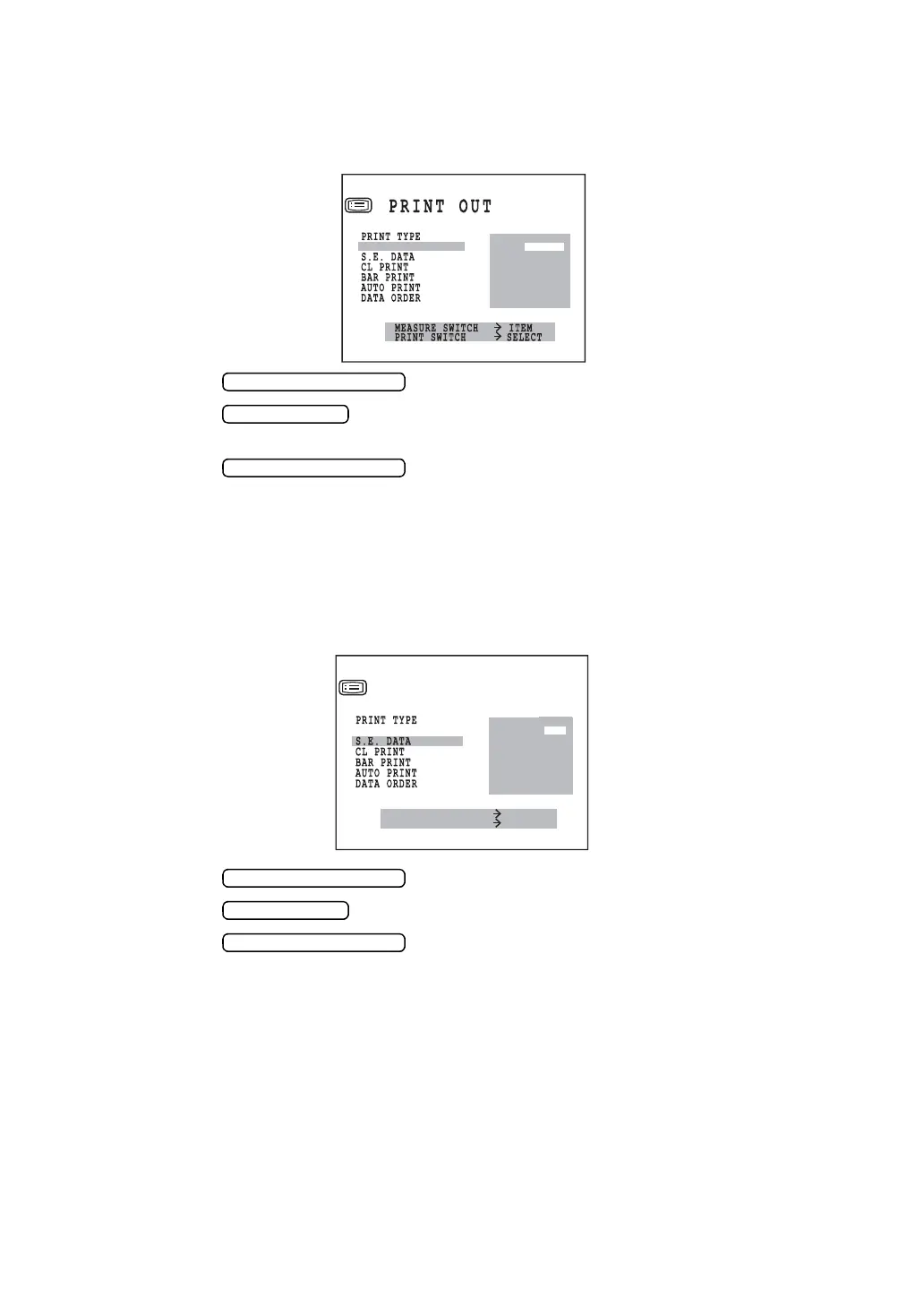
1 In the “INITIAL MENU SCREEN”, choose “PRINT OUT” and get the “PRINT OUT SCREEN”.
2 Press the and move the cursor to “KRT PRINT TYPE”.
3 Press the to select "NORMAL" (Print out only the central diopter value of
kerato data) or "CLASSIC" (Print out all diopter values of kerato data).
4 Press the , and the cursor goes to the next item.
PRINTING EQUIVALENT SPHERICAL POWER
The equivalent spherical power can be printed. Before shipment, it is set to “YES” (printout).
1 In the “INITIAL MENU SCREEN”, choose “PRINT OUT” and get the “PRINT OUT
SCREEN”.
2 Press the and move the cursor to “S.E.DATA”.
3 Press the and choose “YES” (printout) or “NO” (no printout).
4 Press the , and the cursor goes to the next item.
KRT PRINT TYPE
NORMAL
CLASSIC
MEASURE SWITCH ITEM
PRINT SWITCH SELECT
PRINT OUT
YES
NO
KRT PRINT TYPE



 To Next Page