9
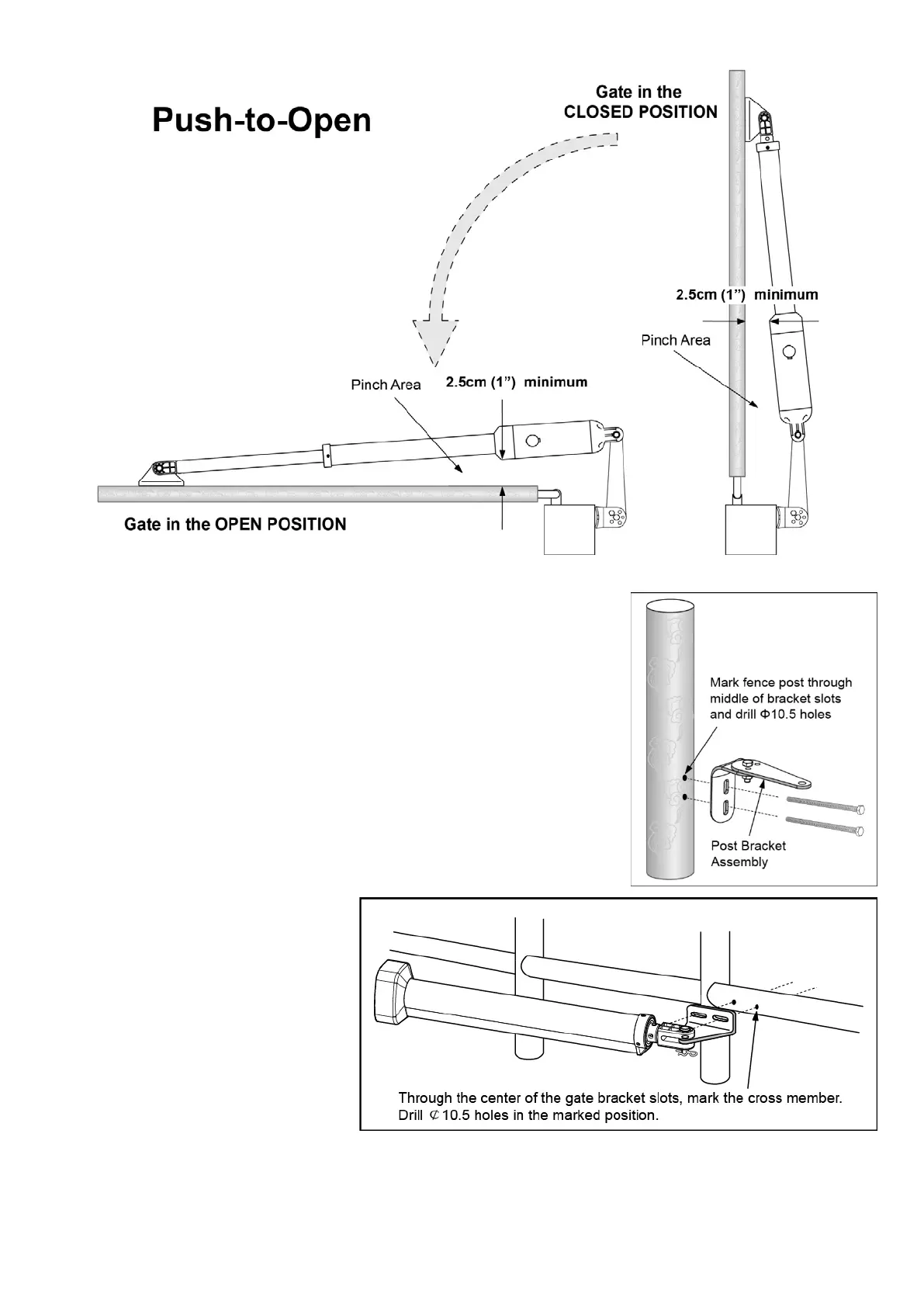
6. Sign the bolt-hole point on the gate bracket and gate. Do this by placing a
punch or a sign in the middle of each bolt slot on the post bracket assemblies
and the gate bracket. It allows slight adjustments to the post bracket. Then
remove the post bracket and gate bracket by taking off the C-clamps.
7. Drill 10.5 mm diameter holes through the post and the gate at the marked
locations.
8. Attach the post bracket assemblies to the gate posts by inserting M10 x
200 bolts through each post bracket assembly and the drilled holes in the
gate post. Fasten each bolt with one ¢10 washer, one ¢10 lock washer,
and one ¢10 nut.
9. Attach the gate brackets to each gate by inserting two M10 x 75 bolts
through the gate brackets and the drilled holes in the gates. Fasten each bolt
with one ¢10 lock washer, and one
¢10 nut.
10. Cut off any part of the bolts that
extend beyond the tightened nuts.
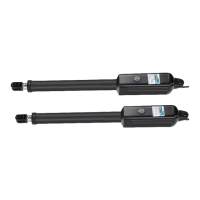
11. With the gate opener fully
retracted and with the gate in the fully
open position (for Pull-to-Open
installation) or fully closed position (for
Push-to-Open installation), attach the
gate opener to the Post Bracket
Assembly and the Gate Bracket by inserting a clevis pin through the gate opener and the Post Pivot Bracket
and another clevis pin through the gate opener and the Gate Bracket. Secure each clevis pin with a hairpin clip.


 To Next Page