11
Please note if you miss the step above, the OS will create another Access Database in the
directory for you and all your data will be inside this directory of “WindoOS/User/(Your
computer)/Appdata/Local/Virtualstore/Program Files(X86)/Avancetech/ClubsysV8_EU_TC”.
This is to protect you if you do not have enough user right to execute the database.
System region and time setting
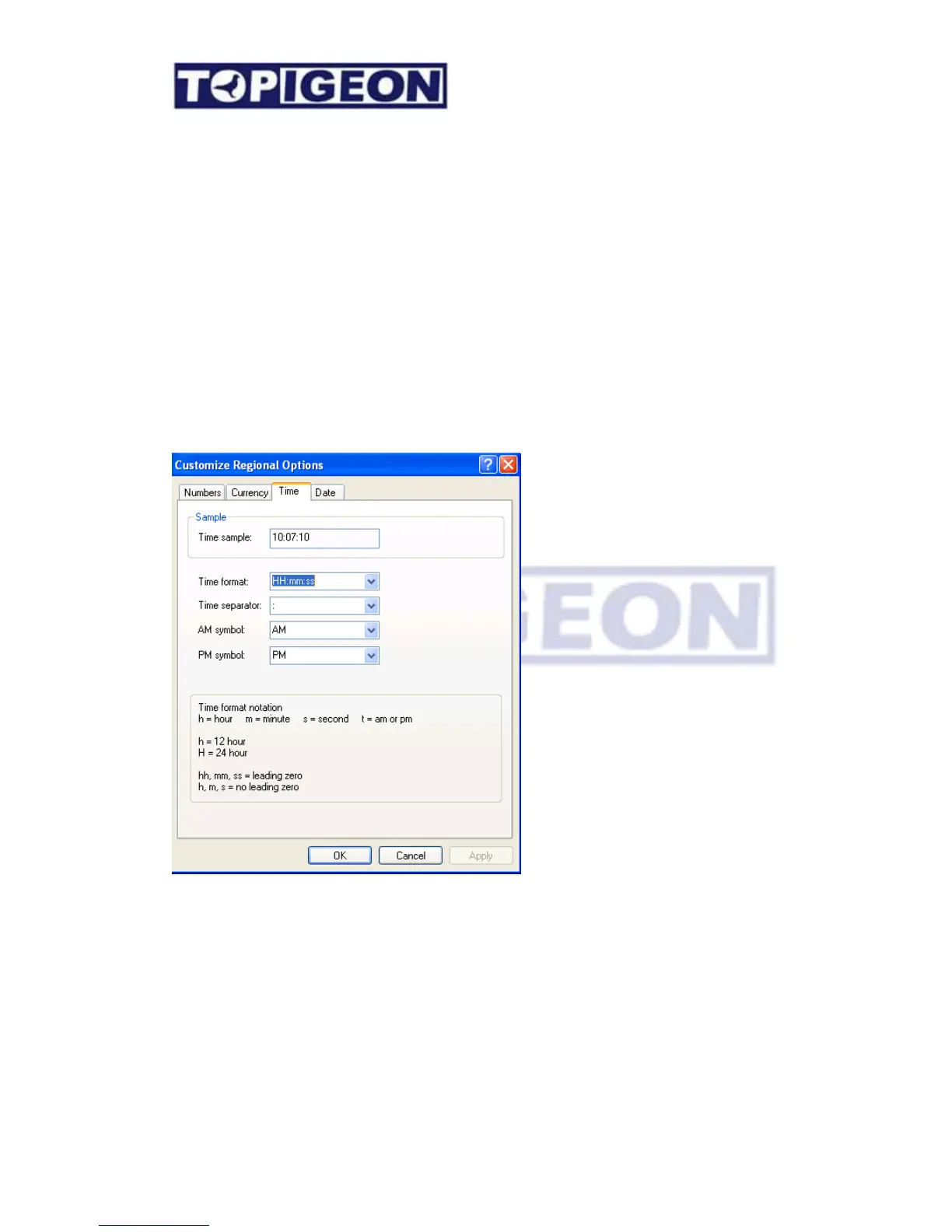
Since iPigeon timer is using ISO date/timing internally and this format needs to follow for the
result calculation. The standard long date/time format is YYYY-MM-DD and HH/MM (24
hours system). This format is the iPigeon internal formate. You need to customize your
personal computer accordingly in order for the club manager to calculate the result. Please go
to the region setting on your personal computer’s control panel and change the format
accordingly.
.
Coordinate data entry
The coordinate data entry is impotant in the system if you want to use this tool to help you
generate the race result. Please make the best use of the GPS module come with the
TOPigeon package. All member and race information, the coordination is mandatory and
cannot leave empty. If you do not have coordination information please enters the dummy



 To Next Page