54
Club Version System Operation
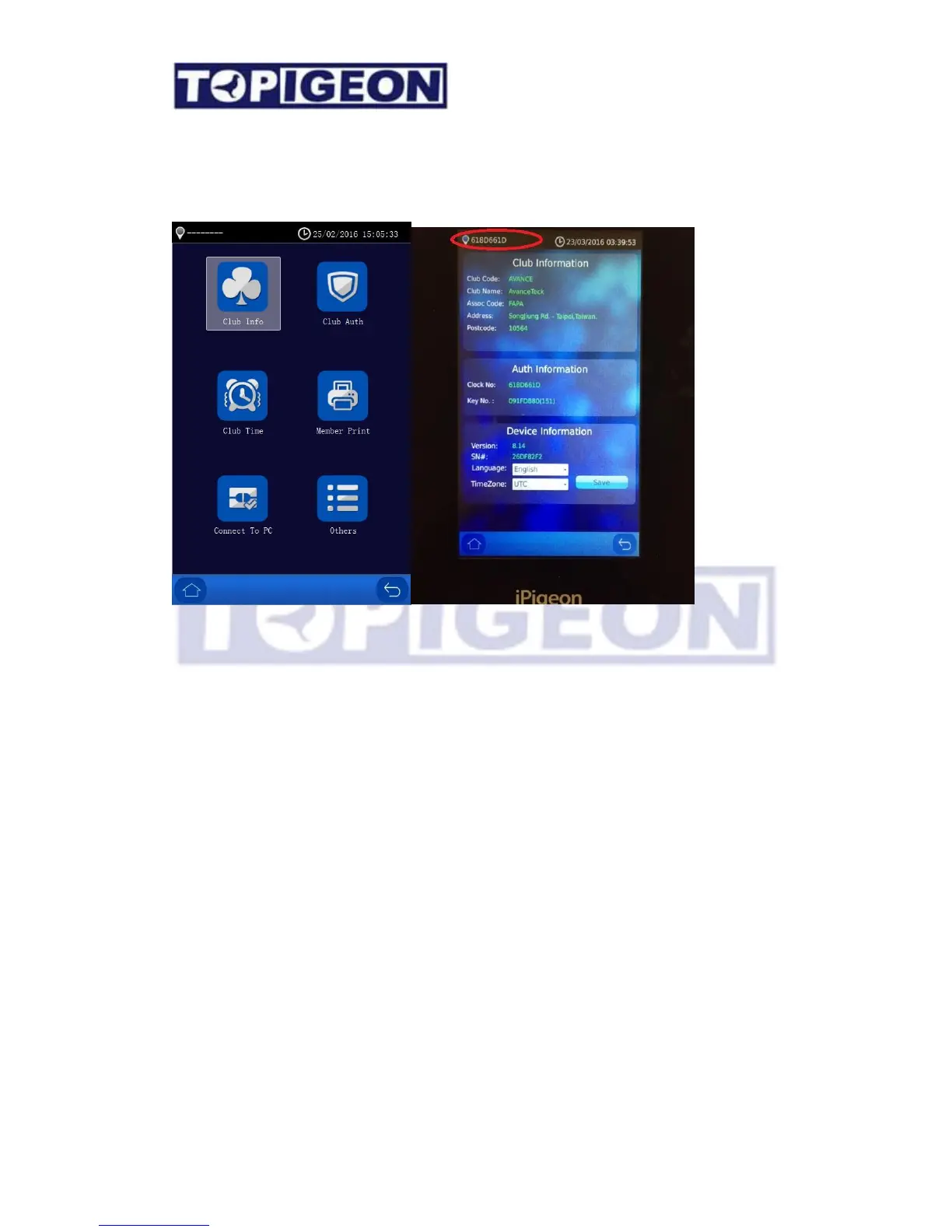
You will get the club system Version shown as below,
First Step you need to connect to the Club Antenna with the Authentication Key. Please go to
the first Icon of Club Info to check if all the information is correct, such as Marker ID,
Authentication Key and other device information is correct.
Secondly, make sure the Club time is synchronized with club antenna and the club master
time is correct.
Member Data Operation
Insert the member SD cards in the Club Version System and press the Member Print icon.
The Club Version will read the race result data from the fanciers export file. Note: The Club
Version System will base on Club Code + Association Code as the key to identify if this is the
correct fancier data. The Club Version will not recognize if the fancier data is not from your
own club.
If the file can be read the same screen will come out same as in Club Manager – Race
Management. Note: Before you operate the Club Operation, make sure the race information
is correct on the screen. You can do all the operation from Arrive; print out Race in Progress;
Close; and Delete Race operation.



 To Next Page