13
Basic Operation
This software designed in the way for the people not familiar with computer and soon feels
comfortable with it. You just follow the top tab buttons to go through all club operations. For
all data lists, if you click on the top row, the list will be sorted according to the row you click.
If you right click on your mouse over a data record, a popup window appears for your further
operation options, like delete, add, and edit.
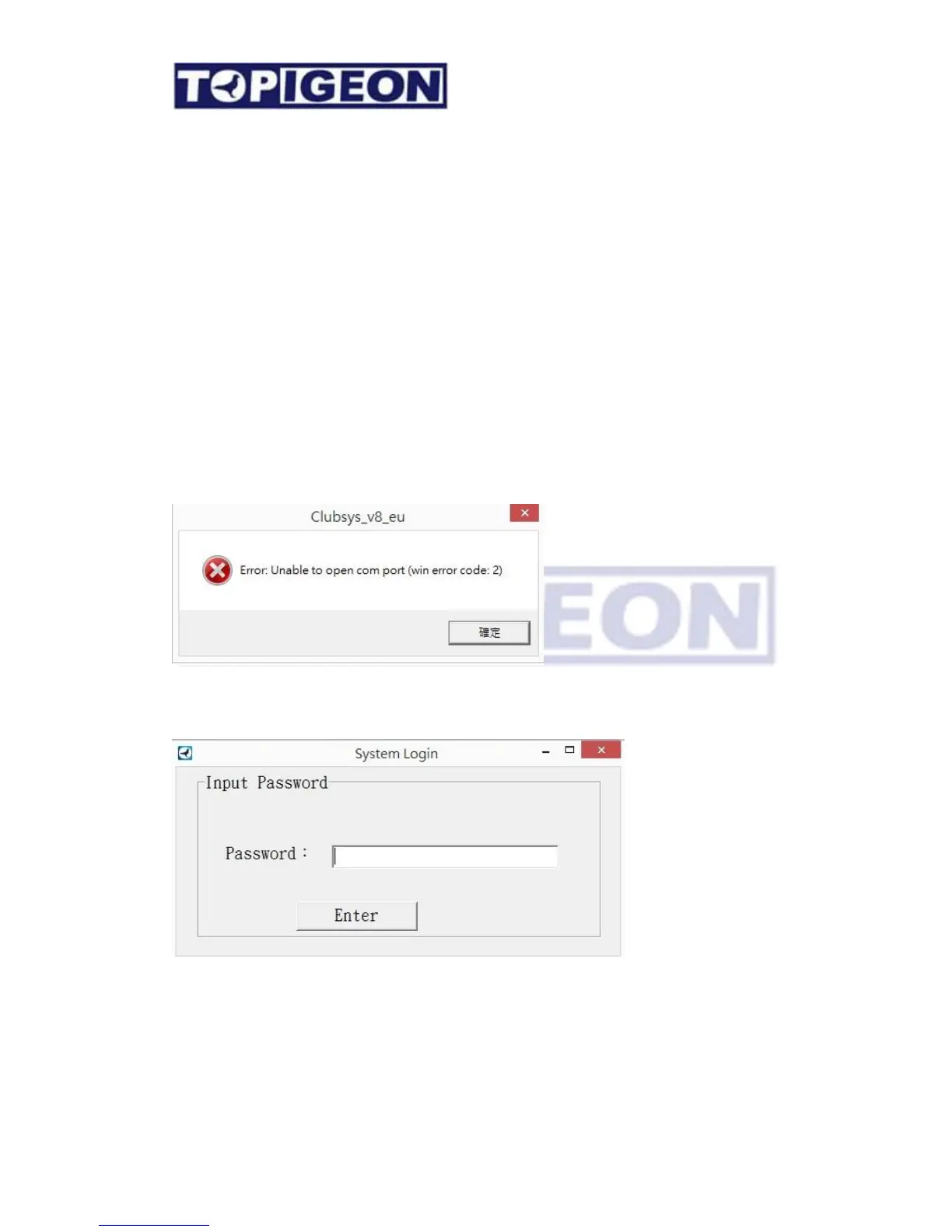
When you double click the iPigeon club manager icon on your computer desktop, the
applications will check the COM port connection firstly. If no COM port connection, the
system will prompt you an error message. This is to make sure that your COM port has
dedicated to this program. Again, please note that the COM port is default set to COM1 for
the timer communications.
Then will prompt you a login window. The password will be provided by each legal release
of the software.
The password for the club manager will be given by AdvanceTech or your local agent. This
password also data encryption key of club manager system and it will be different between
clubs.



 To Next Page