51
Firmware upgrade
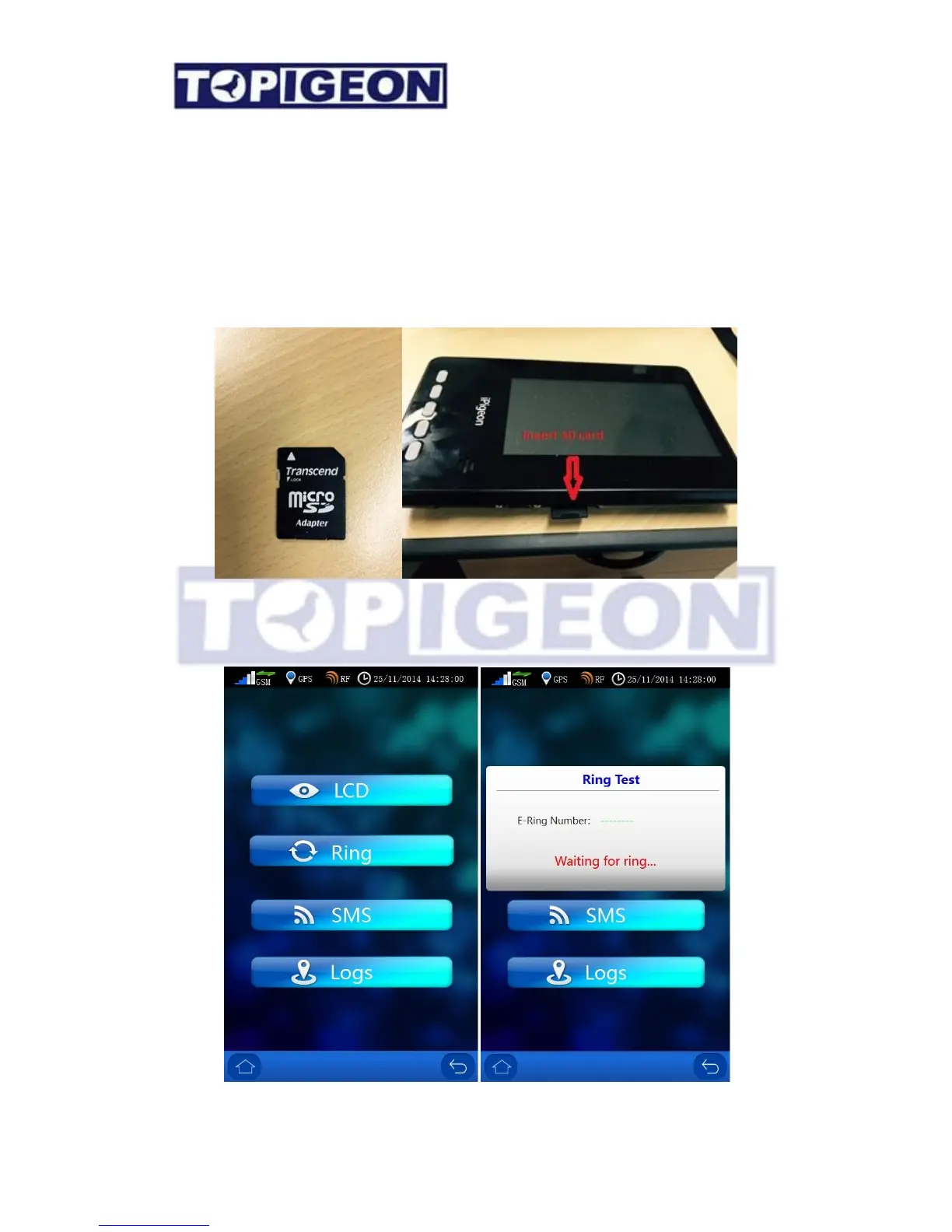
To update the iPigeon firmware is easy by using an SD memory card. Normally the
firmware of iPigeon is around 1M byte and compressed in a zip file. You just unzip the
firmware all file including a resource directory to a SD cards root directory. Plugin this SD
card to iPigeon, and reboot iPigeon, then the iPigeon new firmware will automatic upgrade.
Please note that the version can only be upgrade and cannot be downgraded.
System Test



 To Next Page