52
LCD test: The iPigeon screen is LCD and LCD will set the color calibration.
Ring test: In chip rings test will display the chip ring’s e-ring number. You can use the
iPigeon embedded RFID reader to do this test.
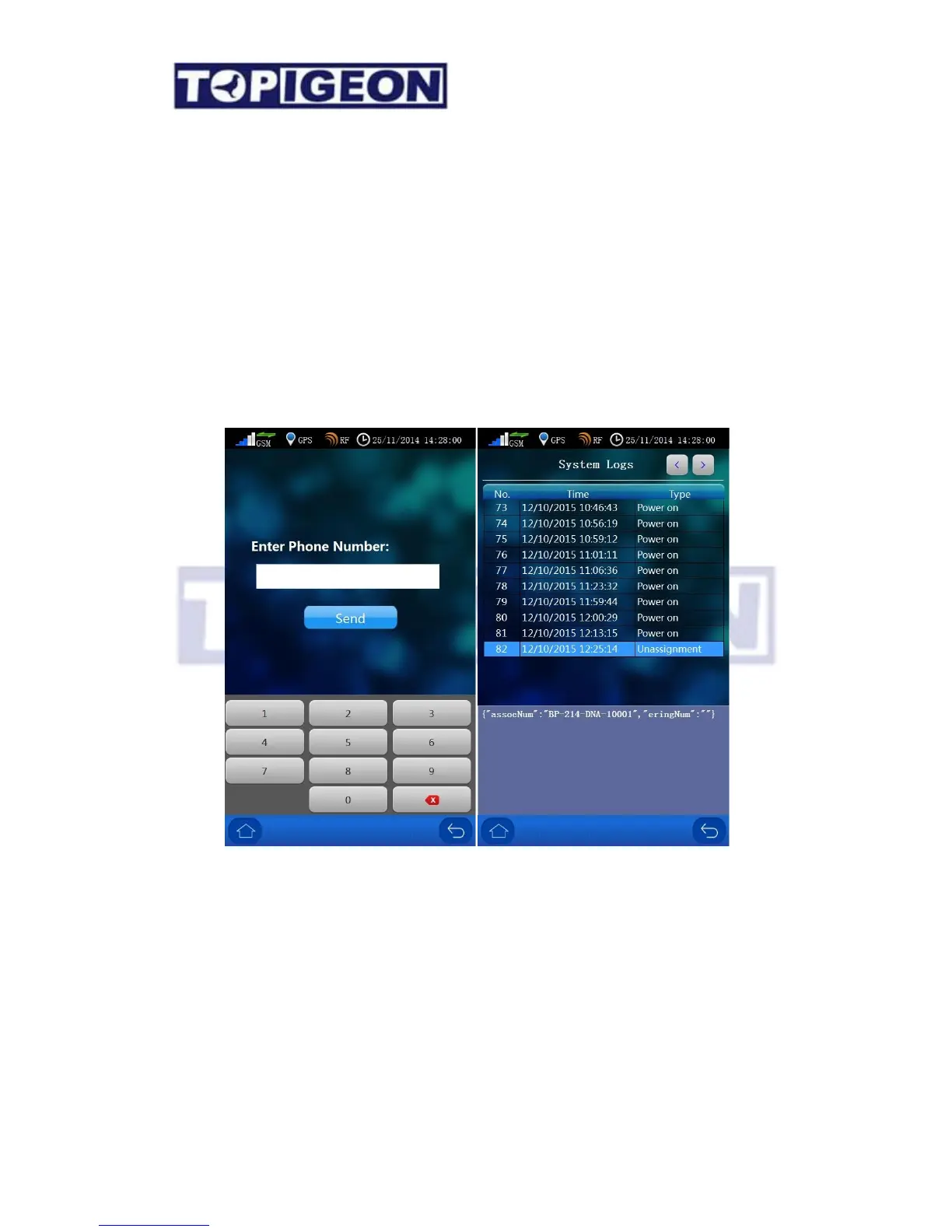
SMS test: Where you can type your mobile number to test the SMS feature. If your GSM
power bar is showing the signal the SMS function should work.
Logs: This is the same as the System Info’s System Log with more detail iPigeon technical
commands. This feature provides you more transparent information of how this clock
process. For example, when your pigeon is back to your loft and you will see the detail log
has displayed this pigeon’s ring number, back order, if GPS signal, SMS, internet, online
function and race information, including if secret code is read properly. This can provide
your tracking and analysis tool if you have dispute with the club. This is also the how
TOPigeon Loft Monitor System communication works.



 To Next Page