31
Note: If you are using online transfer of the Race result the Club Code of the race will be
transferred in the result. Not your own clock Club code.
Loft Distance
Please note you must update the loft distance to getting the speed in a race.
If you want this club manager to calculate the result automatically you have to operate this
function before member’s Result Upload.
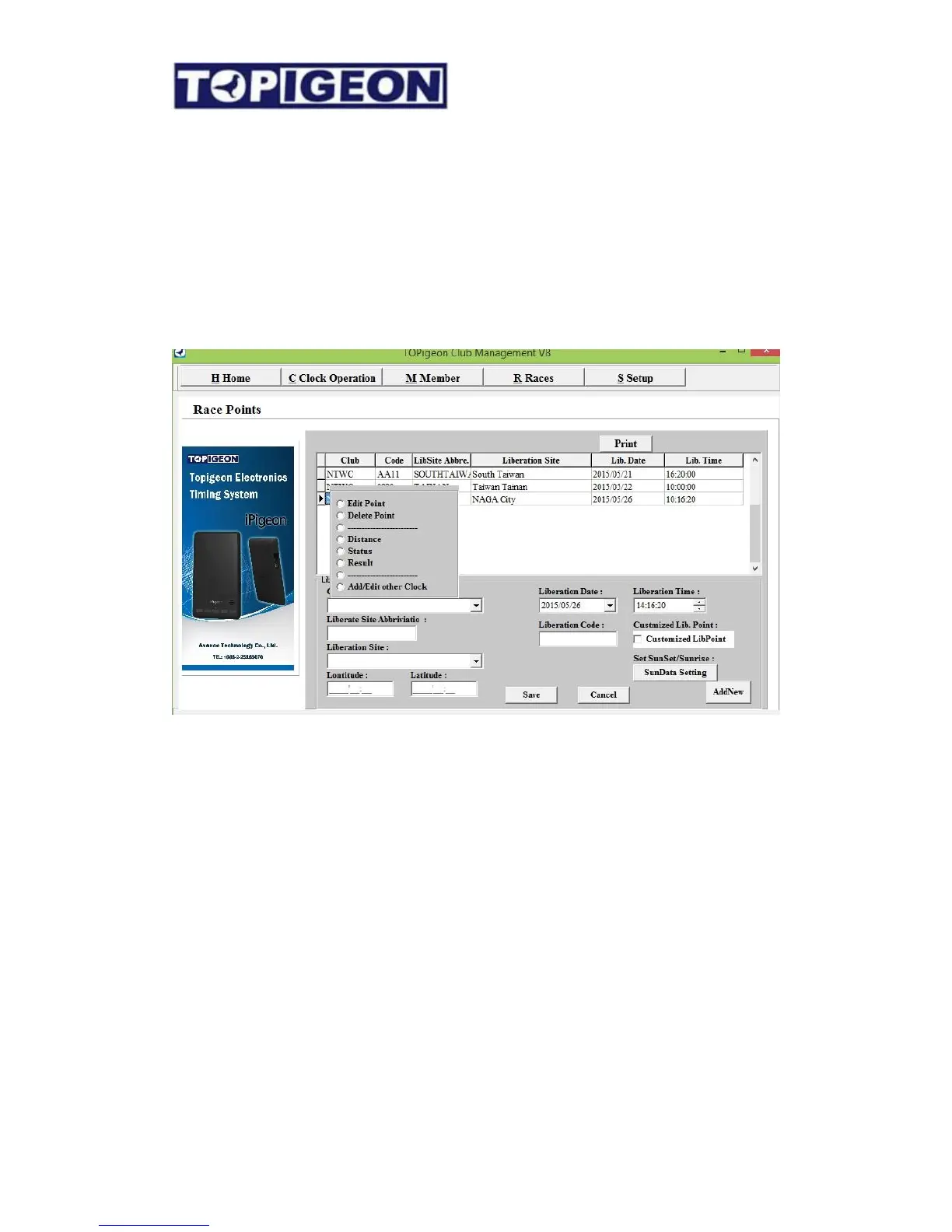
Select the active race and left click on your mouse. You will see options that you can work
on. Click on the “Distance”, you will see all your member loft distances to the liberation
point. Of course, the distance is based on the loft and liberation point coordination. You need
to make sure that all these information has fill in correctly in order to calculate the right
distance.



 To Next Page