8
COM Port Setting
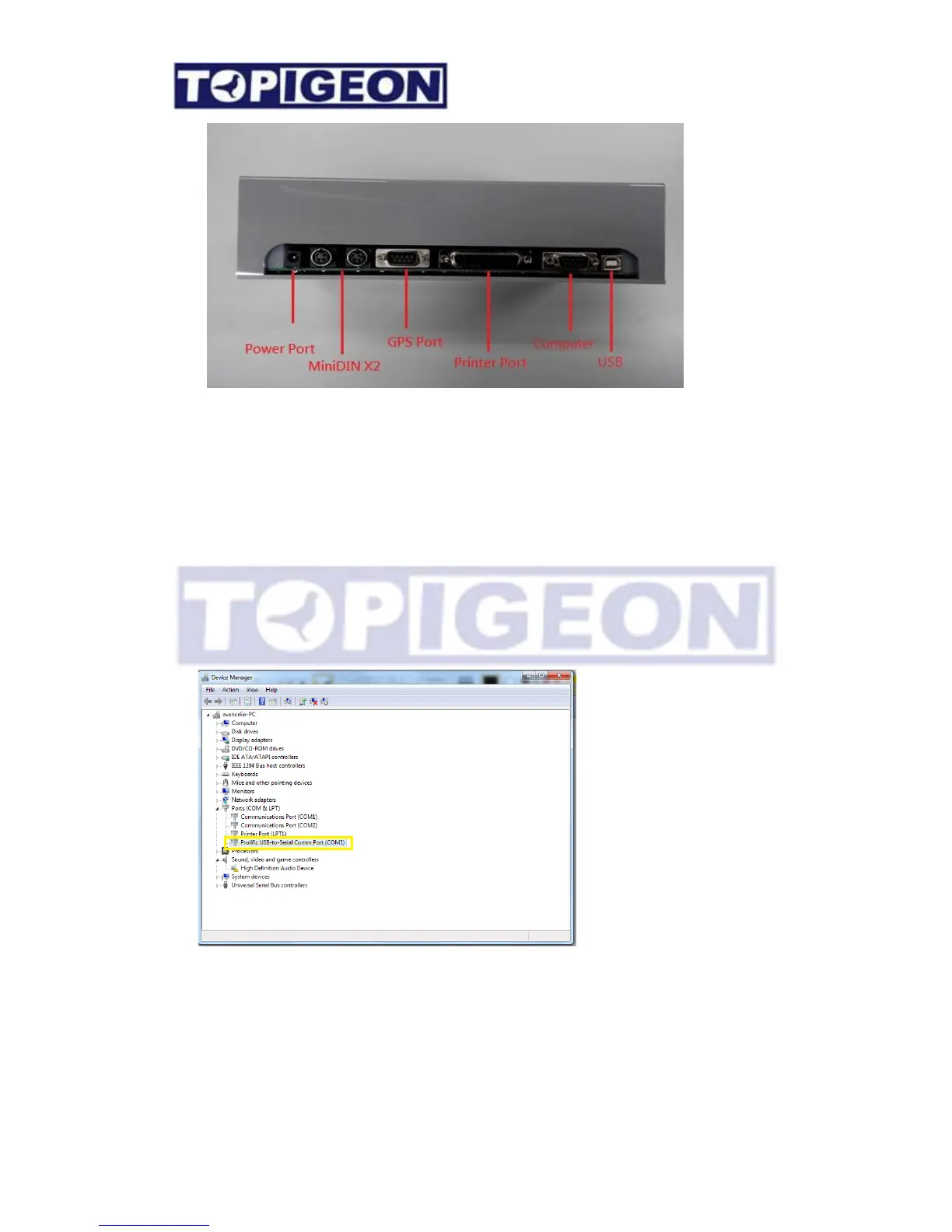
Because the club manager software design in communicate in COM1, you have to set yoru
connection cable port to the COM1 Port.
For the Windows Win7 or above the setting process as below,
Go to Control Panel/Device Manger and find your device in the Port directory. The VCP
will display and USB COM port and USB-RS-232 will show USB to COM.
Go to the Property and click on the Advance Setting.



 To Next Page