50
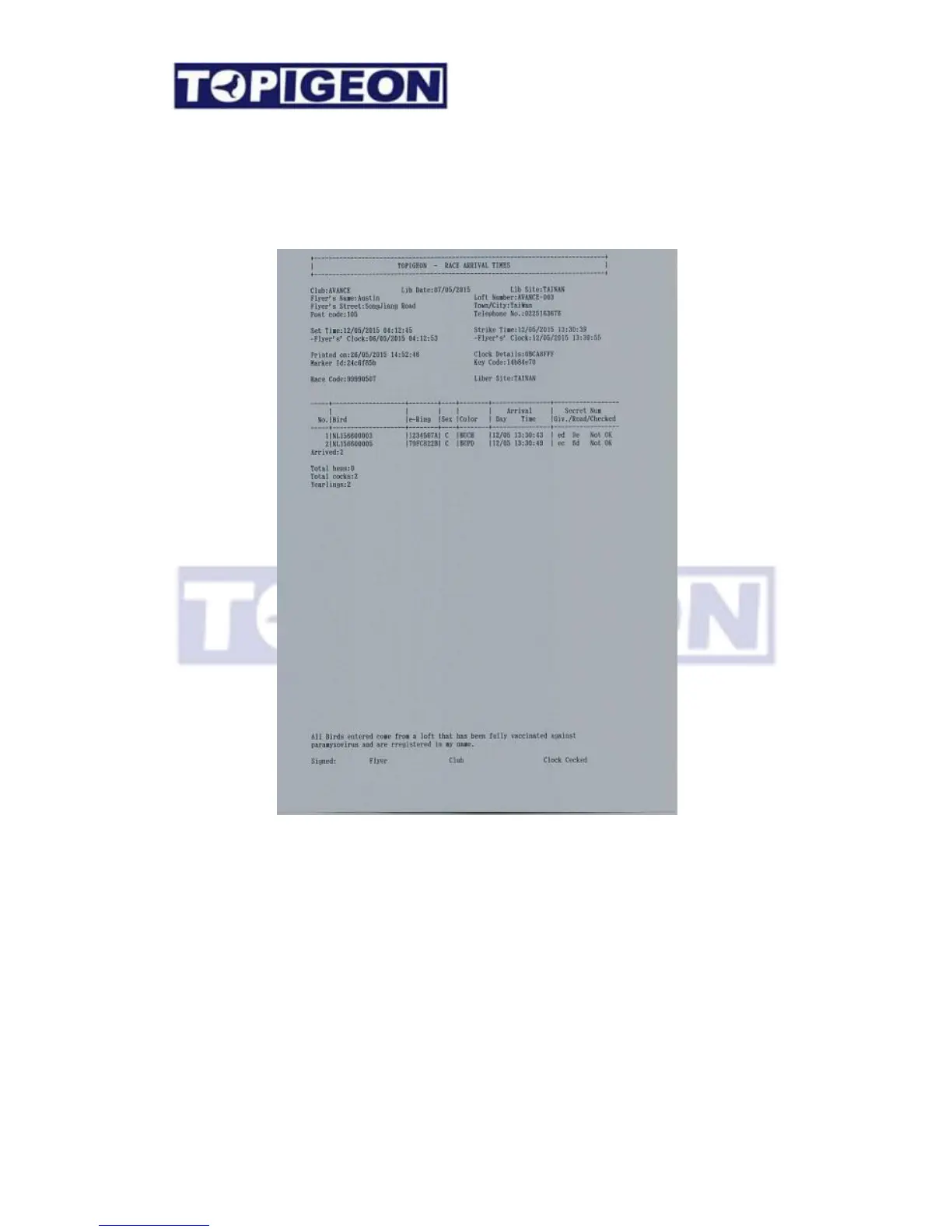
Print: This is to print the race result and can print as many copy as you want. However,
you have at least to print once before you can delete this race. Please also note that if
you are using club manager software and upload the race result this will also give you an error
message if you have not printed.
Sample race printing report
Delete: After you confirm the arrival result and close the race, then you can delete the race.
The screen will show a warning message to confirm this deletion process which releases all
birds from the race. This returns the clock back to the training mode and ready for the next
race.
Warning: Please do not delete the race if it is still in progress.



 To Next Page