15
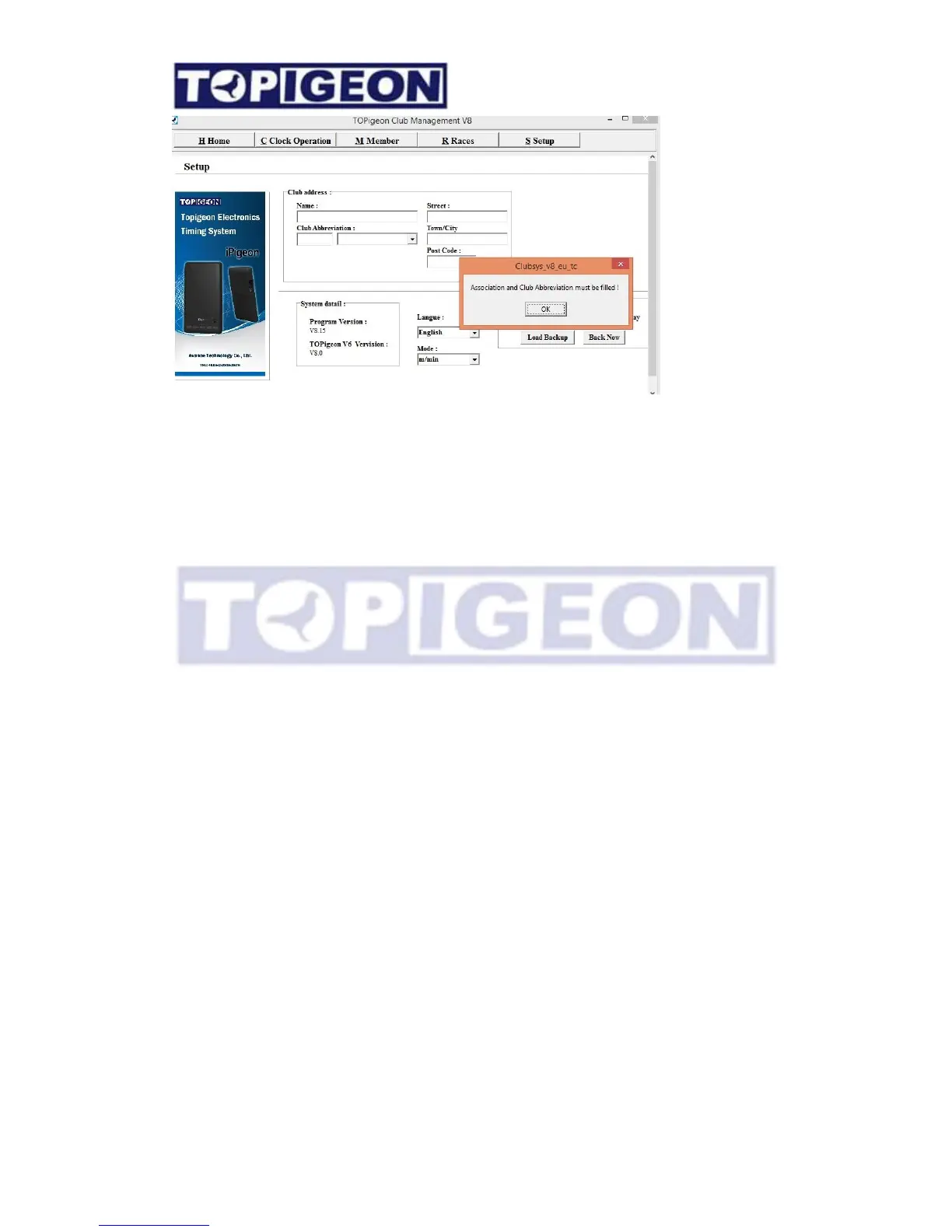
In this Setup Tab is all about the Club information and system setting and they are all basic
information but vital to the club operations. Some key fields explain as below
Club Abbreviation: If your club is not in the club abbreviation list please select “custom”.
Please note the Club Abbreviation will be the CLUB ID when you initiate the new timer for
your member. The CLUB ID is a very important identifier when your member wants to check
the online result. The maximum of Club abbreviation field is 8 characters.
Association: The Association code will be the default of the member loft ID. This is also an
identifier which will insert into all data transmission to cloud database. The fancier can view
their online result by using the Association code.
Please note: The Club Name and abbreviation are following by UK region. If you are in
different region, please edit yourself in the TEC_ClubMap table.
There are meters/minutes (m/min) and yards/minutes(y/min) option for the different
distance unit. Please setup the metrics system according to your club rule.
The club manager database automatic backup period and backup time can also be
configured in here as well.



 To Next Page