25
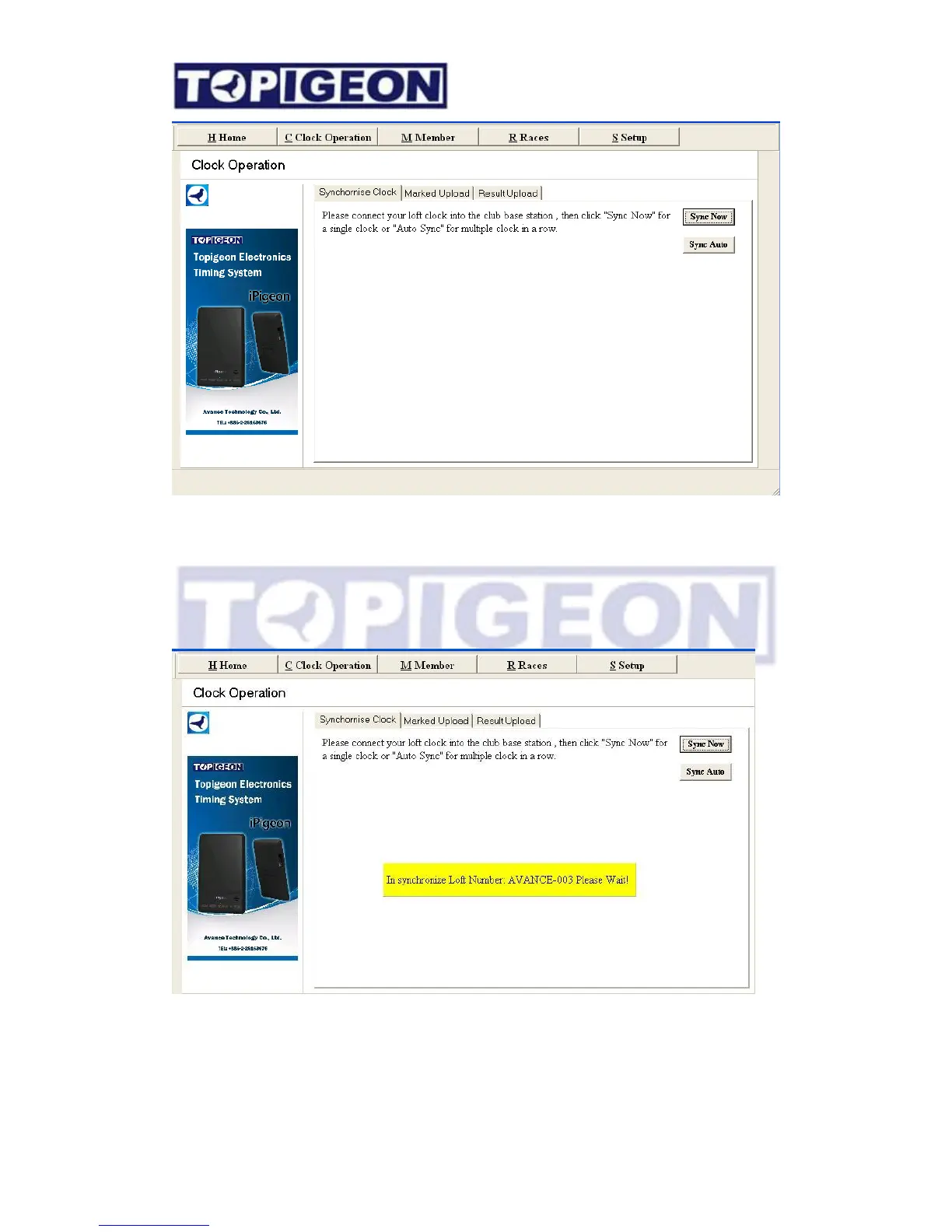
You will find there are two button in the Synchronize clock page” – Sync Now and Sync
Auto.
Sync Now: One time synchronization when you press the button.
Sync Auto: The synchronization action will start every 5 seconds. This is for the club batch
operation, such as during basketing/ marking process all member timers have gather together.
After synchronize complete, system will prompt the status, such as “In synchronize” and
“successful”. The iPigeon clock will also prompt the message “Synchronize Success!”



 To Next Page