57
Trouble Shooting:
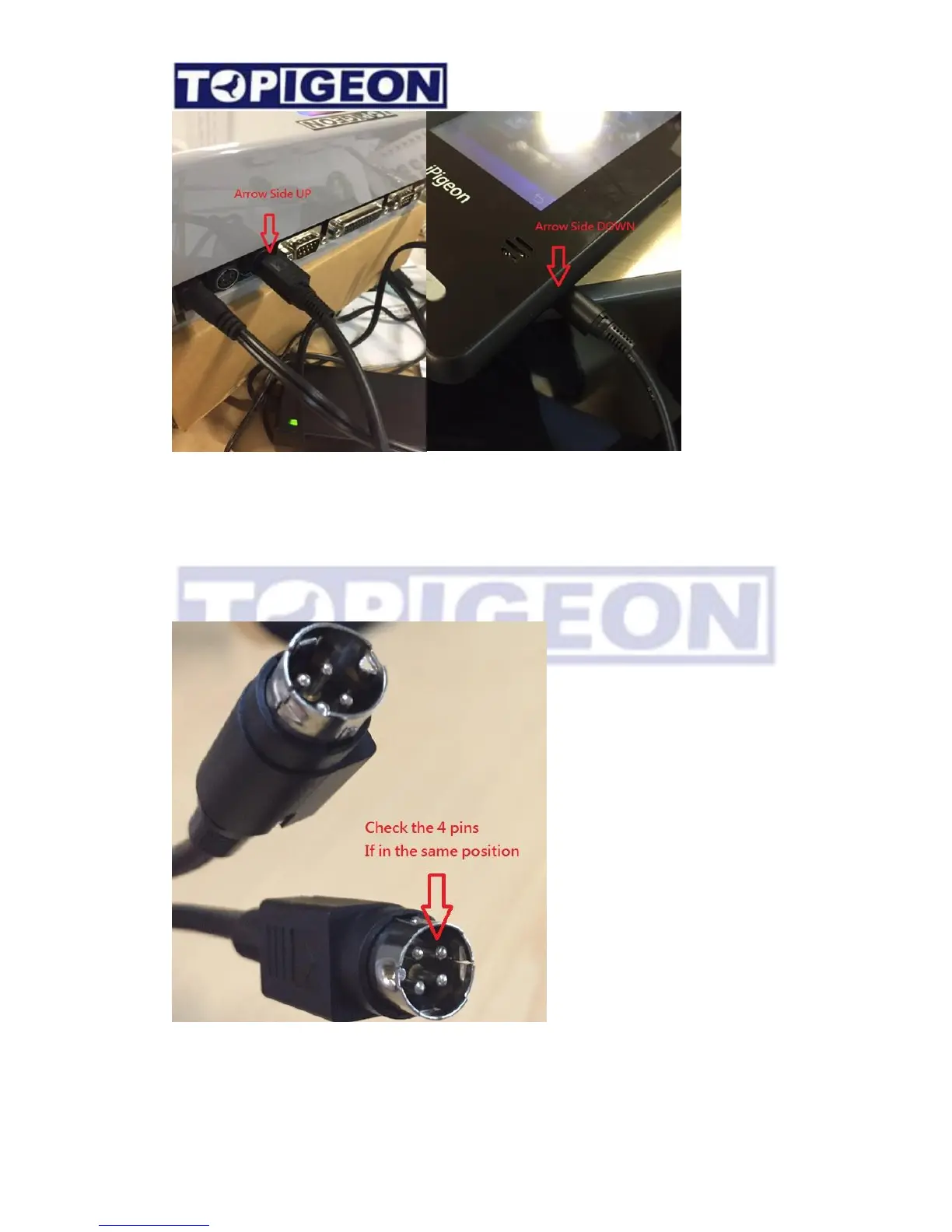
There is ONLY ONE possibility if the cable cause problem. You can ask to replace this cable.
Please check the 4 pins of the plug and see if all the pins in the same position.
CAUSE: If the one or two PINs shorter may cause connection problem.
When you connect to iPigeon clock with the MiniDIN cable, it will also provide the power to
iPigeon clock. The printer port is standard parallel port which support LPT IEEE1284



 To Next Page