5. KEY LAYOUT
5.2 OPERATION KEYBOARD AND SPEED KEYBORAD
5- 4
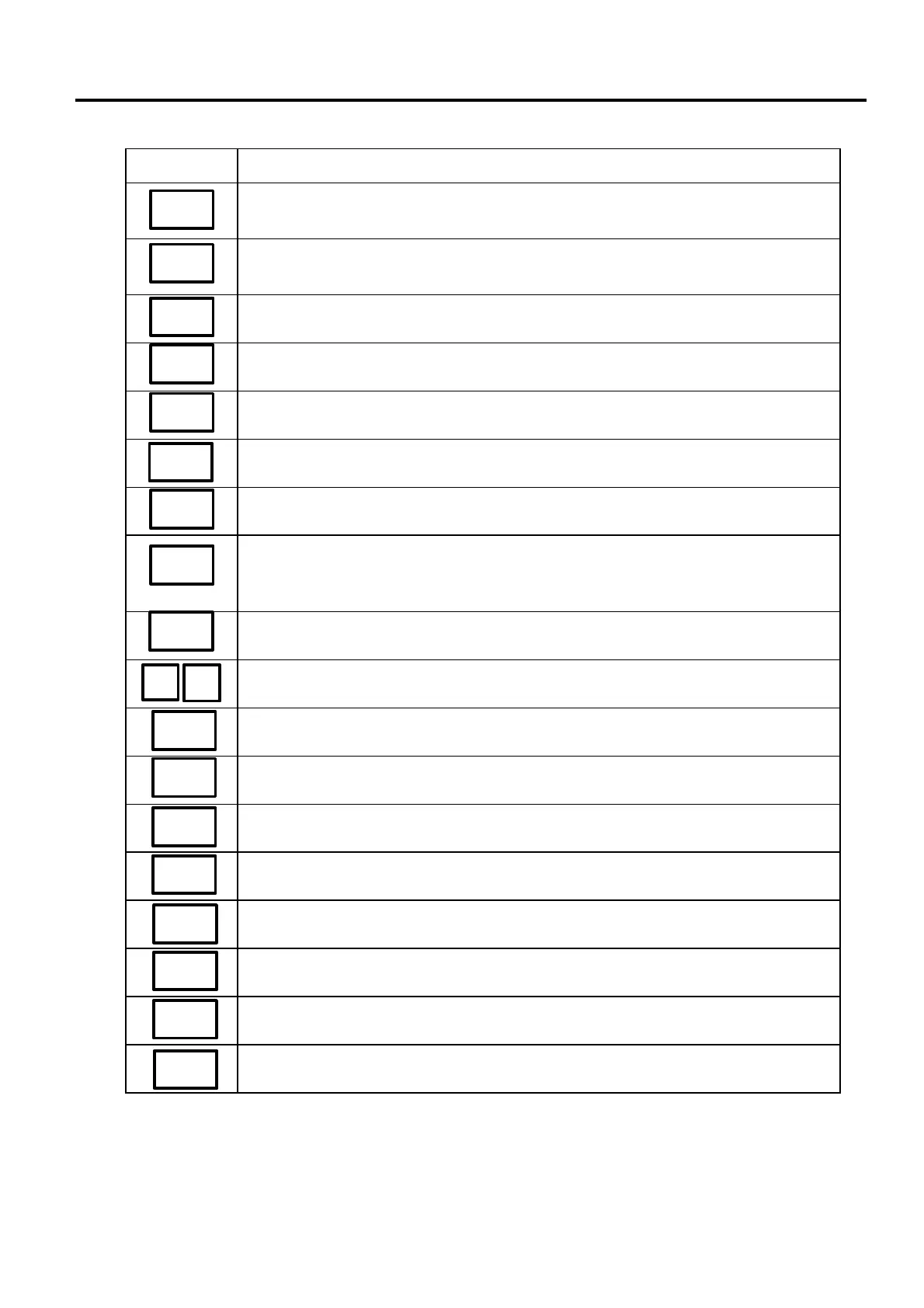
■ Operation Keyboard Function
Name of Key Function
Saves tare and unit price after taking off the commodity from the platter.
Sets the quantity of a commodity in “BY COUNT” mode.
Displays the date.
Selects the item for change Print/OFF.
Corrects data just after the registration.
1. Enables calling the other 108 speed keys.
2. Selects the function for change Print/OFF.
Returns to the main menu.
Accesses print item, auto message timer, print format and issue mode selection
mode.
Turns the display on/off when the scale power is on.
Changes between 1/2 lb and 1/4 lb (US type only).
Changes the unit of measure to 100 g (CA/QR type only).
Changes the unit of measure between lb and kg (CA/QR type only).
Sets the number of labels to print.
Prints a grade line.
Calls the logo.
No function.
No function.
This key is used for item or subtotal discount by entering a percentage.
(Optional key by initial setting)
SAVE
FOR
DT/TM
NEXT
PLU
VOID
◇
ESC.
PROG.
POWER
100g
LB/kg
PRESET
COUNT
GRADE
LINE
LOGO
GROUP
ST
%
1/2 1/4



 To Next Page