10. PROGRAMMING PROCEDURES
10.6 ADDRESS AND COMMERCIAL MESSAGE SETTING
10-13
10.6 ADDRESS AND COMMERCIAL MESSAGE SETTING
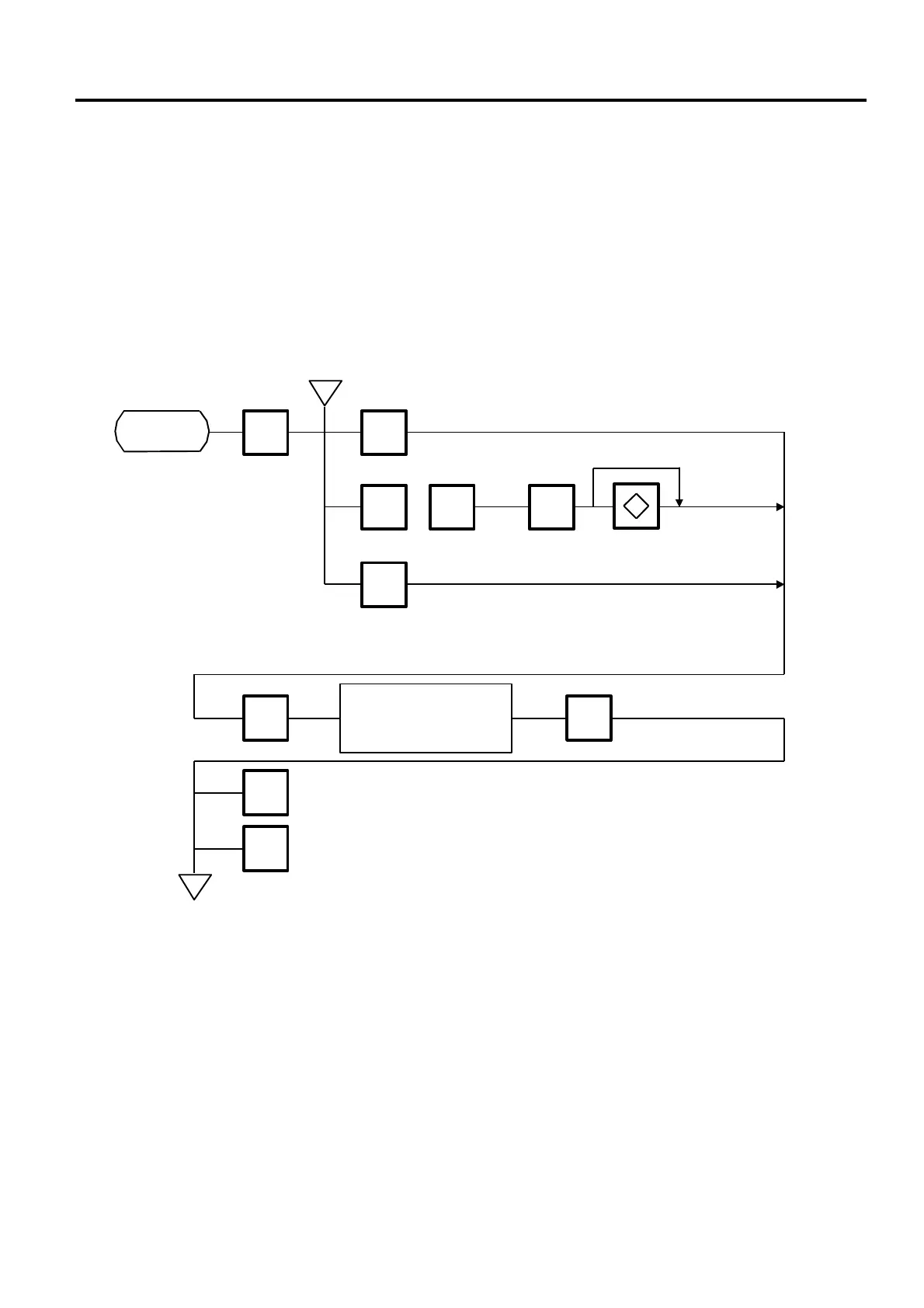
Menu Page:1
Item No.: 5
A store address printed on label and a commercial message shown on the display can be set within
the following character limits using the procedure below.
Address: 32 characters×2 lines
Message: 90 characters
Receipt Header: 24 characters in the 1st/2nd line and 48 characters in the 3rd line
NOTE: When the fixed message is selected, the first 16 characters will be indicated on the display.
h
5
1 8
ENTER
to
Store Address
Page 1
<MENU>
0
Commercial Message# Scrolling
fix
ENTERENTER
Enter store address or
commercial message.
(Refer to Page 11-3)
PROG.
ESC.
h
Receipt Header
9



 To Next Page